
Switch User Accounts
Last Updated on : 2022-05-09 11:39:13Copy for LLMView as MarkdownDownload PDF
An authorized user can log in to the Smart Industry app. This topic describes how the user logs out of the app and logs in with another account.
-
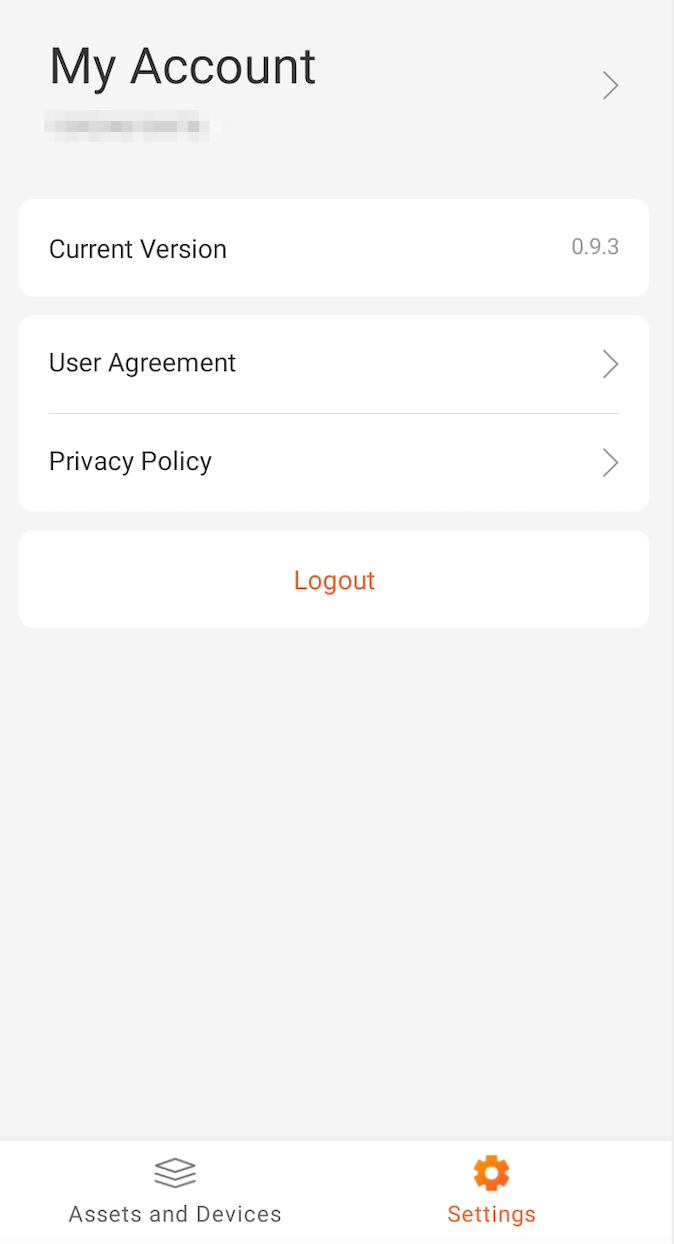
After login to the Smart Industry app, on the bottom menu bar, tap Settings to go to the My Account page.
-
Choose Logout > OK to log out of the app. After logout, another account can be used to log in to the app.