Explore real-world interfaces, one application type at a time.
Cases
Panel MiniApp
High efficiency to achieve a sophisticated and interactive device control panel
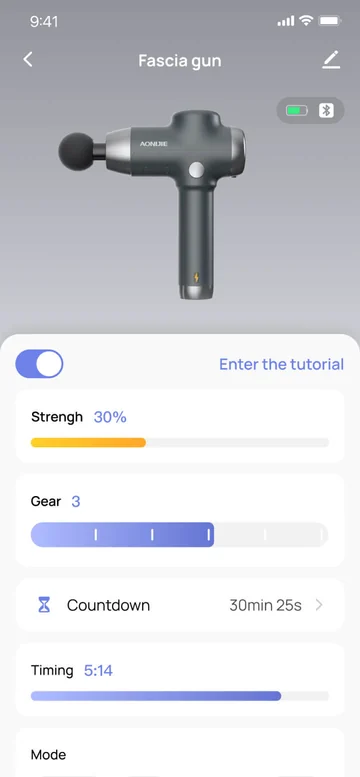
Fascia Gun
Implement smart control of a fascia gun. Users can view tutorials specific to body parts and run the fascia gun as instructed.
String Light (C or CW)
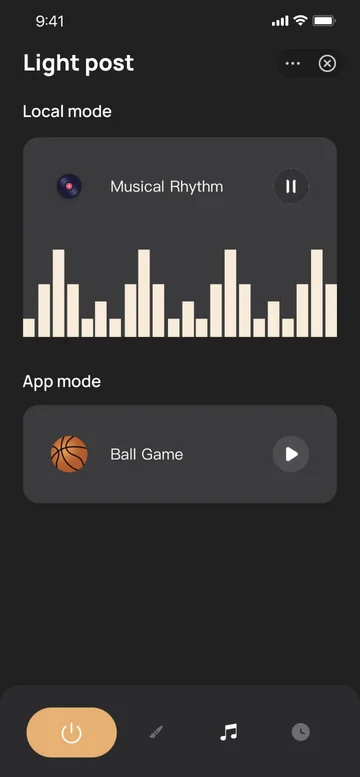
Control smart lights remotely from apps, for example, switching on and off, music sync, scheduled tasks, and smart scenes, to rich engaging and versatile experiences.
IPC
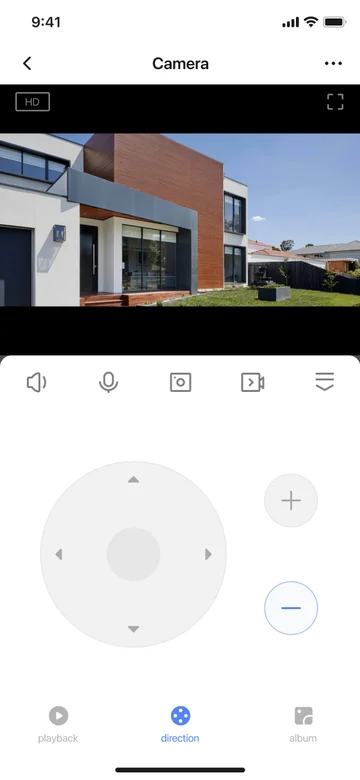
Provide basic features of IPCs, for example, live preview, playback, PTZ control, and real-time video chat, realize live preview on virtual devices, and output excellent audio and video quality.
Matter Lighting
Enable basic control of Matter lighting products, in terms of switch, brightness, color, and more.
Multi-Rate Socket
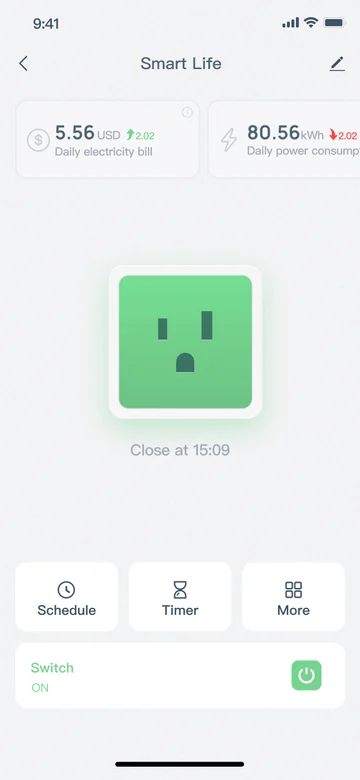
Push the boundaries of product competitiveness, thanks to redesigned UI styles and features, such as energy metering, multi-rate settings, electricity billing, and running duration.
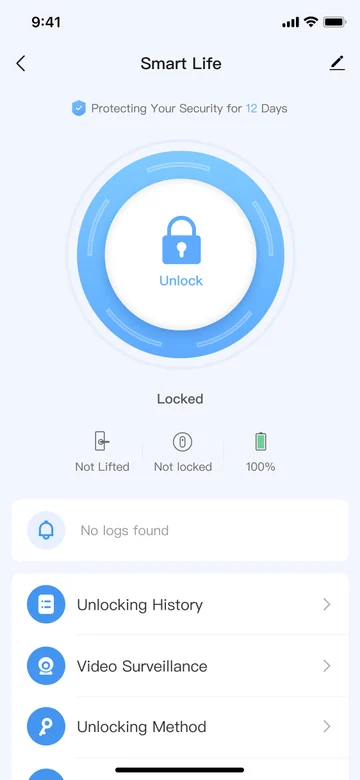
Smart Lock
Make smart locks easy to control and set for homes, and let users view live videos taken by peephole cameras and check unlocking and alert history generated during the last year.
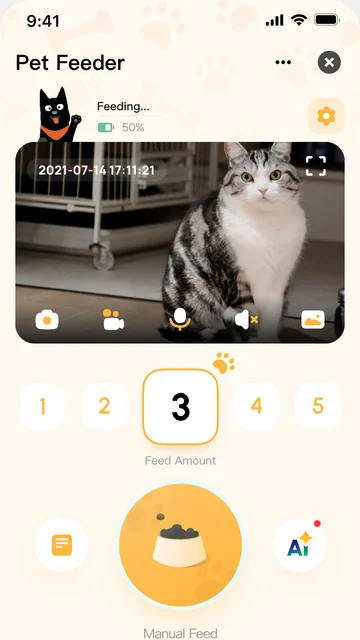
Pet Feeder
The pet feeder panel is an application that not only manages pet information, but also provides functions such as feeding and video entertainment. It not only meets the daily pet feeding needs, but also enhances the interaction and fun between users and pets.
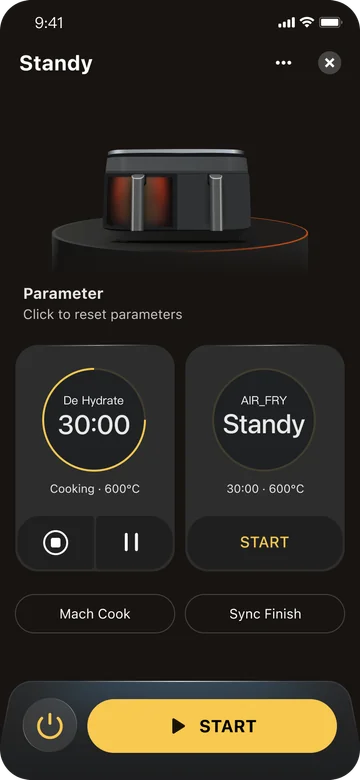
Dual-cavity Air Fryer
The dual-cavity air fryer is an air fryer control panel with multiple cavities, which provides control modes and heating modes for different cavities, allowing consumers to enjoy the food making process more freely, quickly and conveniently.
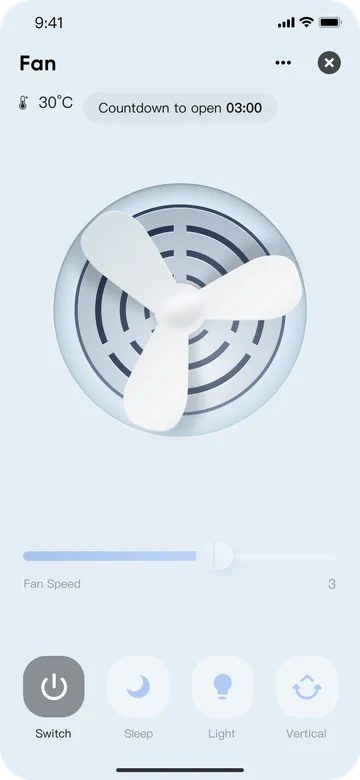
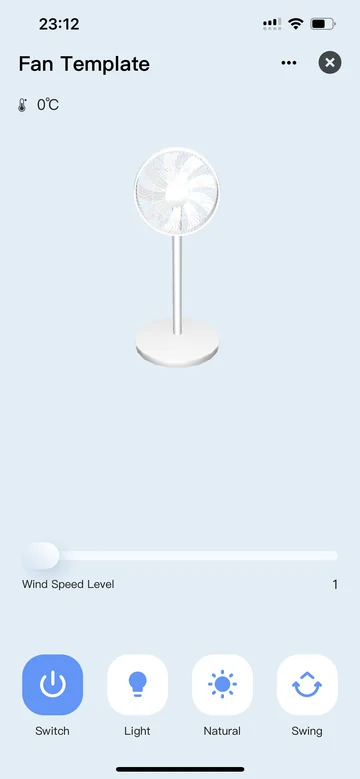
Fan
The fan panel is an intelligent product that provides fan speed, mode adjustment and timing capabilities, solving the problem of needing close control and being unable to set timing in daily fan use.
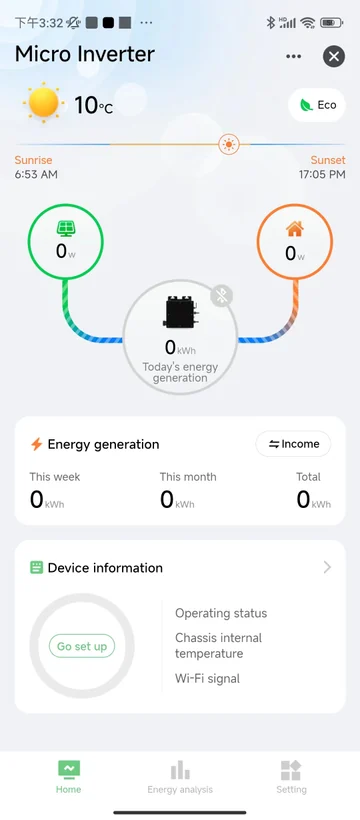
Micro-inverter
The overall design of the micro-inverter panel is tailored to the usage habits of users in Europe and America. The homepage displays photovoltaic power generation and revenue information, allowing users to easily perceive their data. The panel senses the online status of devices, making operation convenient. A new anti-backflow feature has been added to the panel, helping to achieve industry-leading photovoltaic management capabilities for Tuya.
Storage
Card-style simple design, providing an overview of real-time power generation and consumption, and battery storage status. Offers detailed historical data charts and parameter settings。
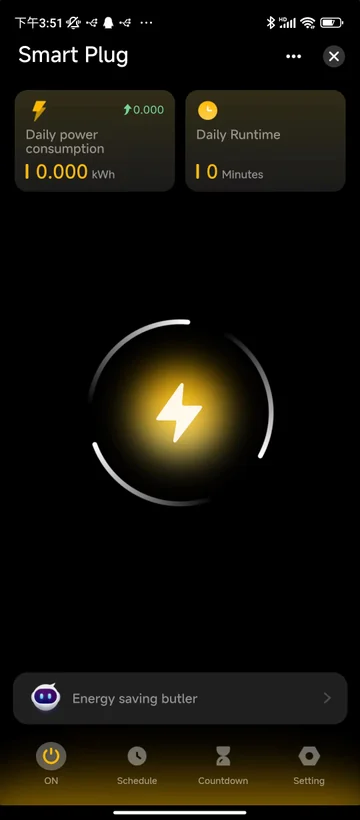
AI Power Socket
The Ai power socket panel supports the AI energy-saving function for the first time in terms of conventional multi-function timing, power statistics and other functions, bringing users a smarter and more energy-saving AI socket. In addition, it also retains advanced functions such as electricity bill statistics, email export, and power consumption alarms. It is also the first socket panel to support switching between dark and light colors on the page.
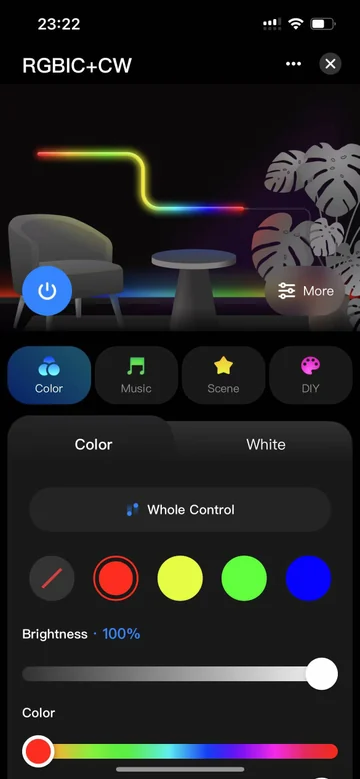
Dreamcolor Strip Light
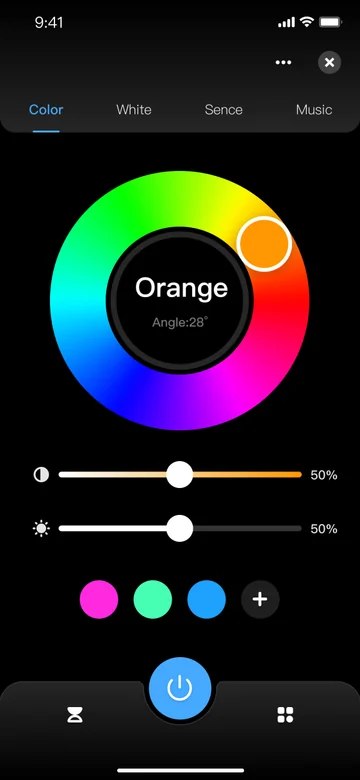
It adopts a simple one-page drop-down design, and adds new functions such as custom color saving, color temperature scene saving, music mode color selection, image recognition and color picking, and line sequence adjustment, providing a better user experience for end users and stronger product competitiveness for developers.
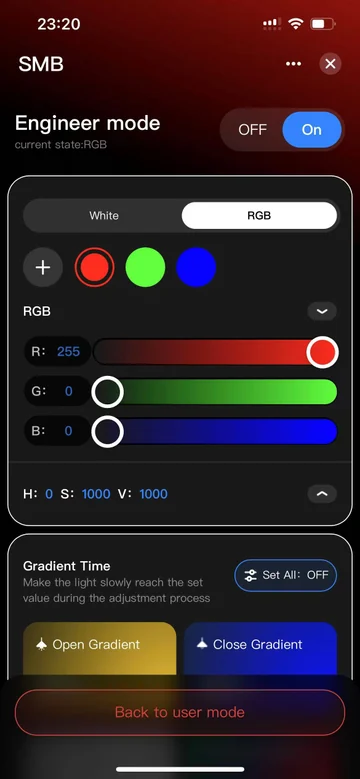
SMB
Utilize an innovative product design interaction concept to distinguish between daily use functions and debugging functions, making user operations clearer and simpler, and construction debugging more convenient and professional.
Commercial Lighting
The design of the professional-grade UI panel for commercial lighting applications integrates a "light-sensing control priority, three-stage human sensing dimming, and constant illuminance sensing self-learning" three-in-one sensor function, providing end users with an exceptional lighting experience and significant energy savings.
Gateway
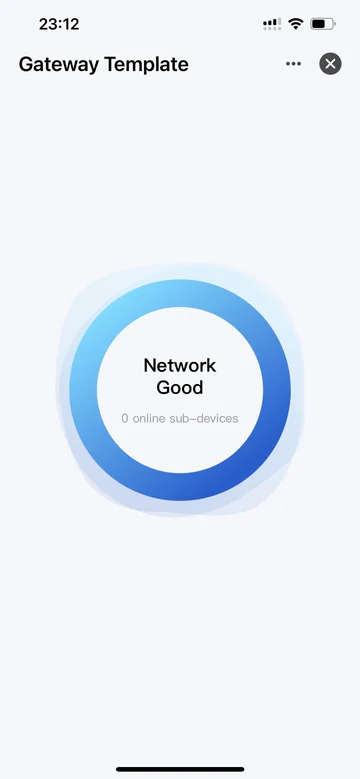
The gateway panel supports connecting various types of sub-devices, such as zigbee, Bluetooth, etc. It can manage sub-devices, display sub-device lists, and enter sub-device detail page controls, providing users with a convenient and efficient smart experience.
IP Camera
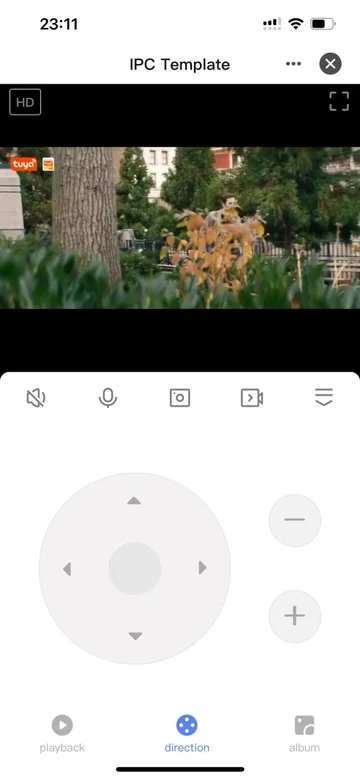
The IPC template applet provides audio and video function support, including real-time preview, video playback, PTZ control, two-way intercom and other basic functions, and expands the tool library such as APP album, privacy mode, cloud storage, etc. Supports custom development, flexibly meets the needs of multiple scenarios, and helps efficient development
Sensor
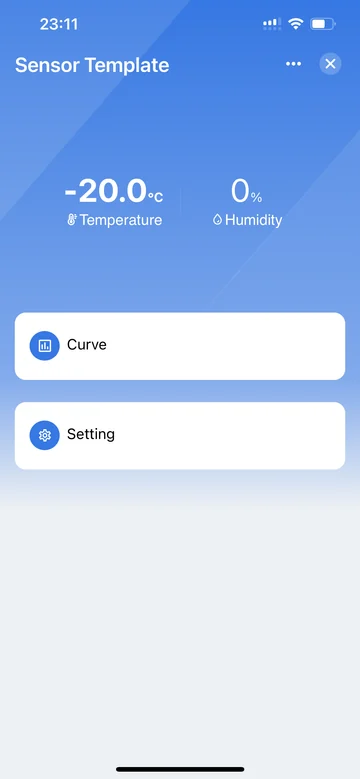
The temperature and humidity sensor template covers the core functionalities of the sensor, including real-time and historical data display, and Celsius-Fahrenheit unit conversion settings. It can serve as a foundation for personalized customization or as a reference example for sensor devices.
Lighting Source
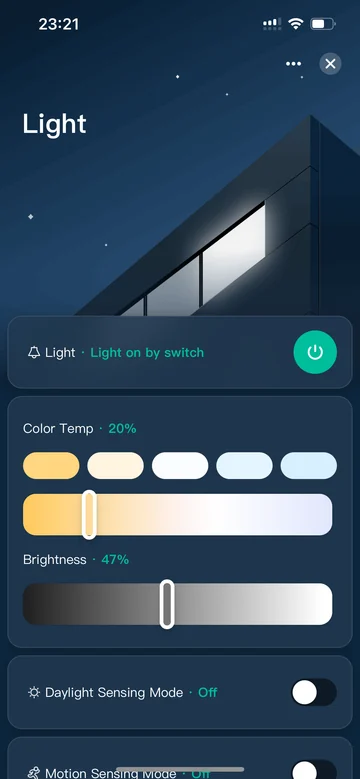
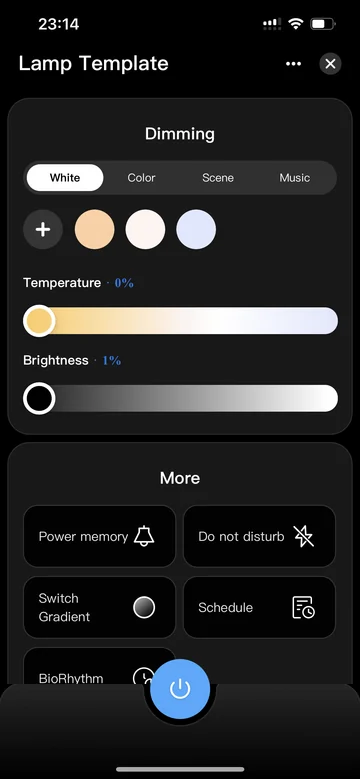
The lighting source template covers most standard functional modules, including basic dimming functions such as white light, colored light, scenes, and music rhythm. It also includes extended features like power-off memory, power-outage do-not-disturb, and gradual switch transitions to meet diverse needs.
Lighting Strip
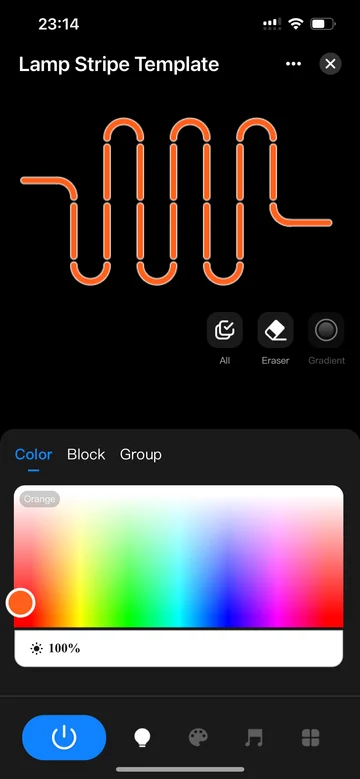
The lighting strip template offers powerful smearing functions, supporting segmented dimming, full selection dimming, gradient dimming, and eraser functions, making it easy to create personalized lighting effects.
Electrical Power Strip
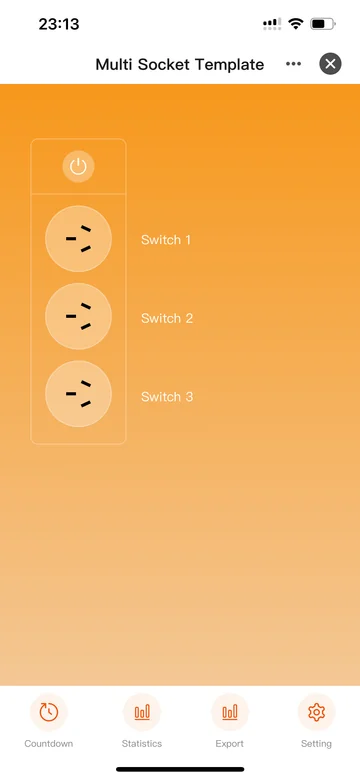
The electrical power strip panel template offers an all-in-one functionality integration. In addition to basic DP control and settings, it also provides a comprehensive template for timing control and power consumption statistics, catering to diverse customization needs.
Sweeper
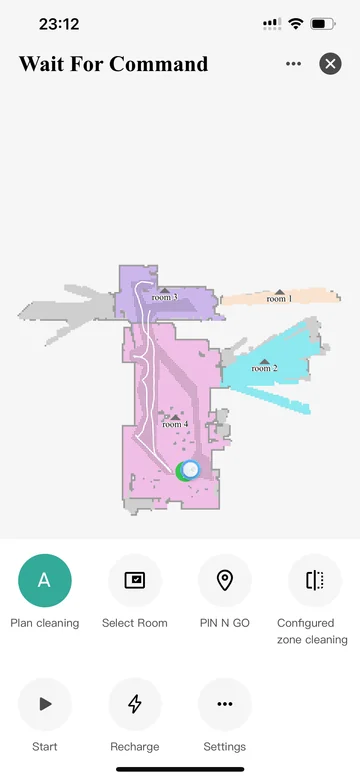
The sweeper applet template provides control over the common sweeping capabilities of laser sweepers, and integrates sweeping records, multi-map management, video and directional motion control capabilities, helping developers quickly develop their own sweeper panels based on this template.
Fan 3D
The 3D template for the home appliance app includes fan speed, mode adjustment, and timing capabilities. It also provides a 3D visualization template capability, based on which an interactive home appliance 3D model can be built, providing developers with the ability to quickly integrate home appliance categories.
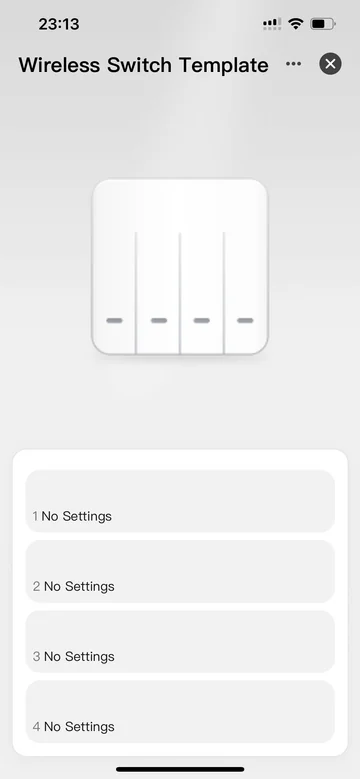
Wireless Switch
The wireless switch one-click execution template helps you easily achieve one-click execution and automation. It supports dynamically rendering button lists, allowing you to control multiple devices in batches through single-click, double-click, and long-press operations, greatly enhancing the smart home experience.
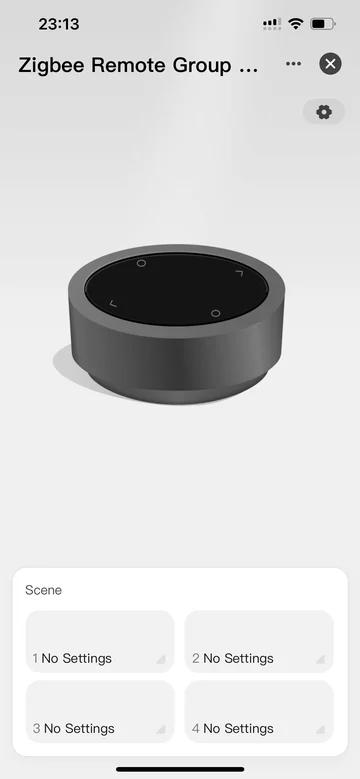
Zigbee Remote Control
The Zigbee remote control group switch, in conjunction with the Zigbee gateway, enables bulk control of multiple devices following physical button operations. Easily bind devices to enhance the convenience and efficiency of smart home systems.
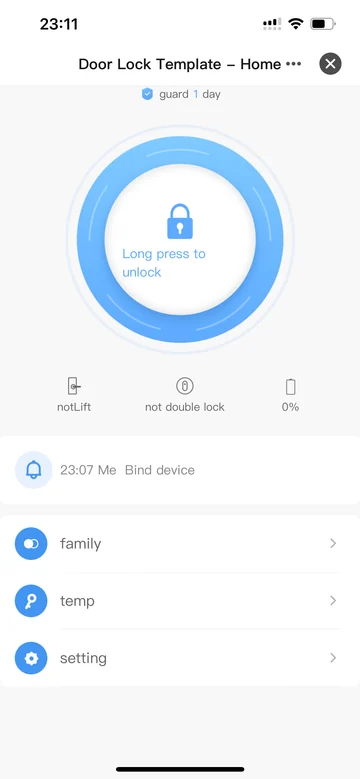
Lock
The universal door lock template offers a range of features to enable developers to quickly build door lock products. This template displays crucial information such as lock status, battery level, door operation records, alarm details, and operation logs. Additionally, it supports adding various unlocking methods like fingerprints, passwords, and cards for family members, and allows the generation of temporary passwords for different scenarios to unlock doors. The template also includes standard door lock settings, assisting developers in efficient product development.
05 / DEVELOPMENT JOURNEY
From your first project to launch
Follow the five stages of developing and launching your MiniApp.
01
Create Project
Create a miniapp project on the Tuya MiniApp Developer Platform simply with your account of the Tuya Developer Platform.
02
Develop Miniapp
Download and install the Tuya MiniApp IDE and compile your first miniapp.
03
Debug Miniapp
Debug your miniapp by using a virtual or real device to meet different debugging requirements.
04
Test Miniapp
Use an allowlisted app account to scan the QR code or tap the test device and start testing the miniapp.
05
Launch Miniapp
Launch the approved miniapp and distribute it to the desired apps.
06 / DEVELOPER SUPPORT
Support for every step
Familiar development, reusable components and a dedicated IDE.