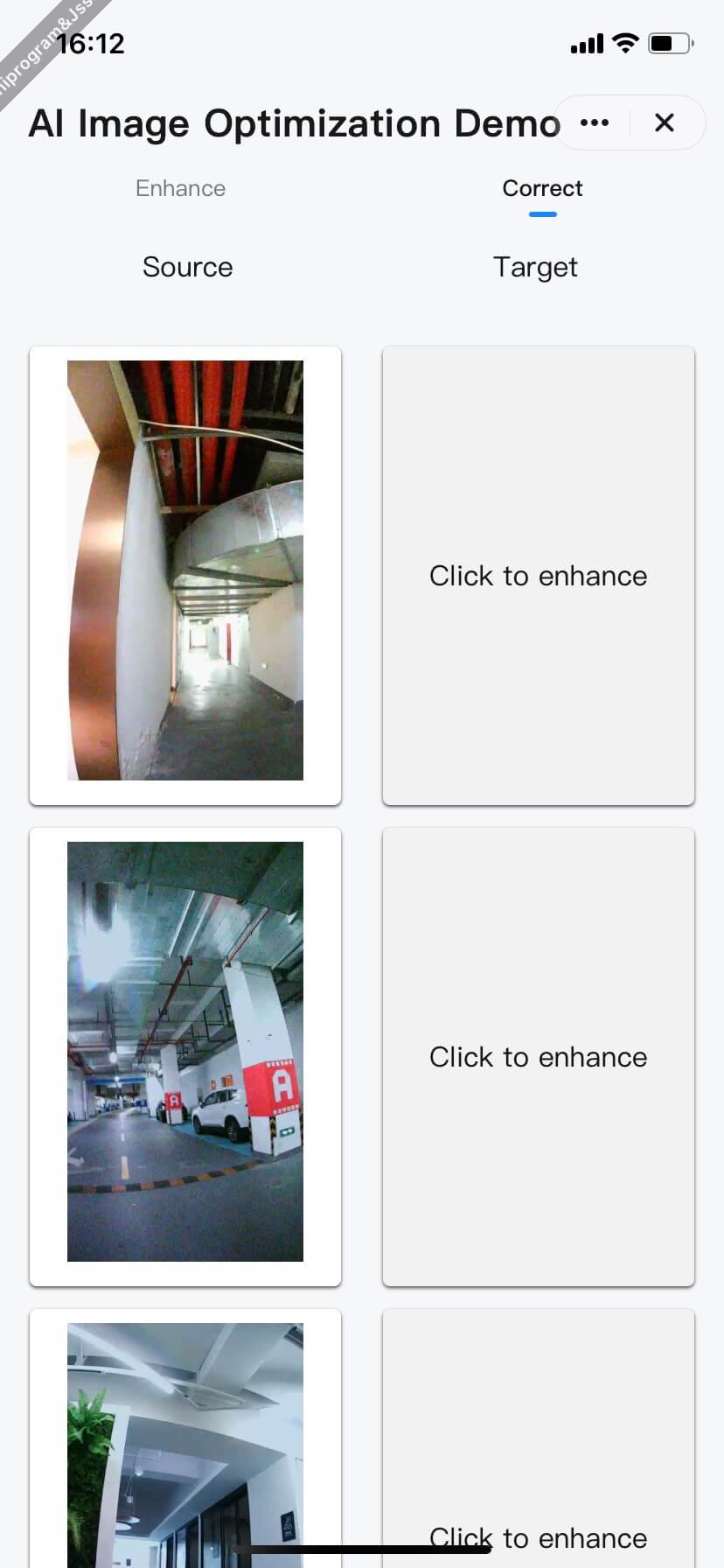
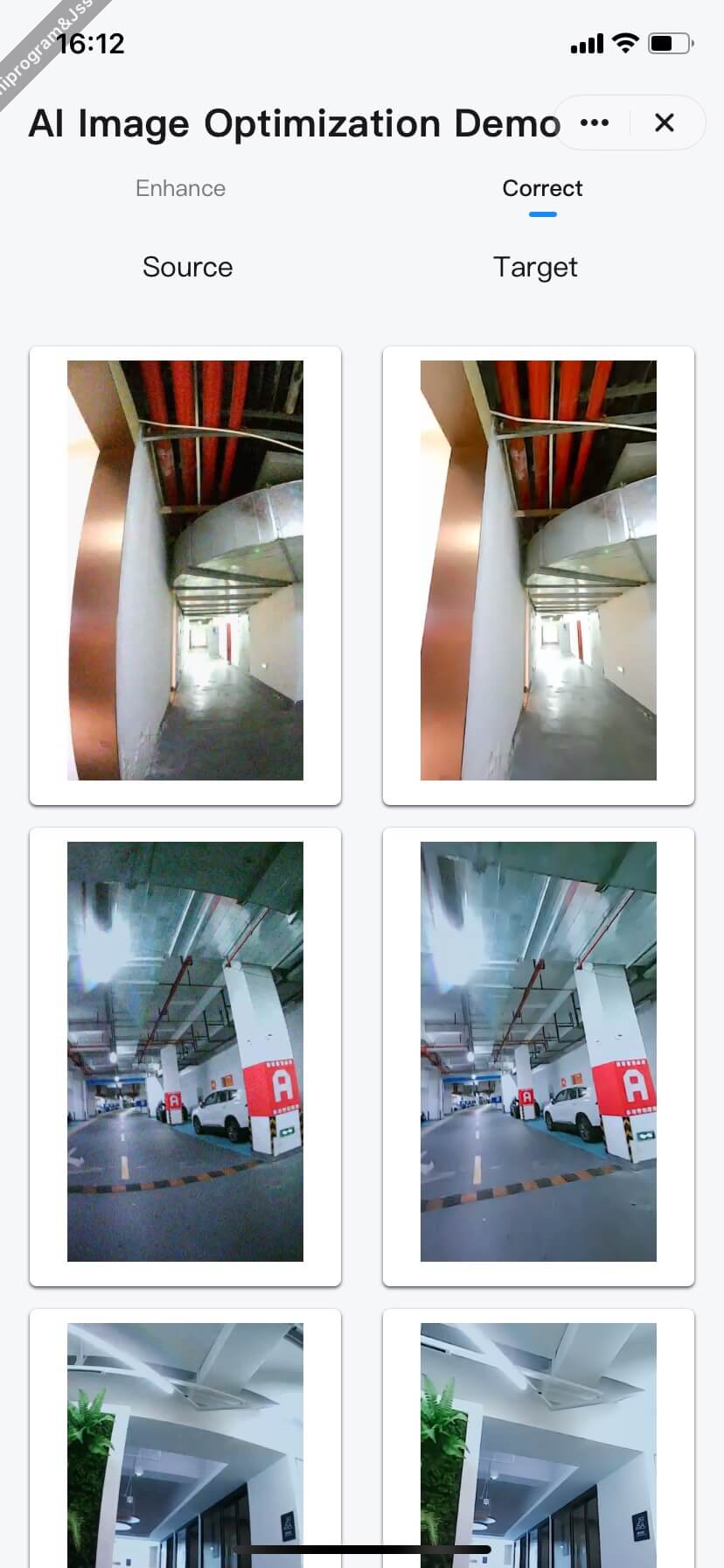
Image Distortion Correction On-App AI
### Features
After optimizing a web image for clarity enhancement, you can then perform distortion correction.
### How it works
1. **Download the image data** to the local device.
2. **Enhancement** (it must be performed in the following order):
- Step 1: Perform clarity enhancement on the image.
- Step 2: Apply distortion correction to the image.
### Interaction process
```mermaid
sequenceDiagram
participant Cloud
participant User
participant Panel
participant AI Engine
rect rgb(200, 34, 255)
Note over Panel: Download image remotely
User ->> Panel: Tap "Optimize"
Panel ->> Cloud: downloadFile()
Cloud ->> Panel: Download the image
Panel -->> Panel: Return local image path
end
rect rgb(84, 163, 119)
Note over Panel,AI Engine: Image processing
Panel ->> AI Engine: enhanceClarityForImage (Original URI)
AI Engine ->> AI Engine: AI analytics
and clarity enhancement
AI Engine ->> Panel: Return a temporary URI
Panel ->> AI Engine: enhanceCalibrationForImage
(temporary URI of the clarity-enhanced image)
AI Engine ->> AI Engine: AI analytics
and clarity enhancement
AI Engine ->> Panel: Return final temporary URI
end
rect rgb(255, 62, 130)
Note over Panel,User: Return the result
Panel ->> Panel: Get cache path
Panel ->> User: Display enhanced preview image
end
```