Pet Portrait Generation On-App AI
### Feature Introduction
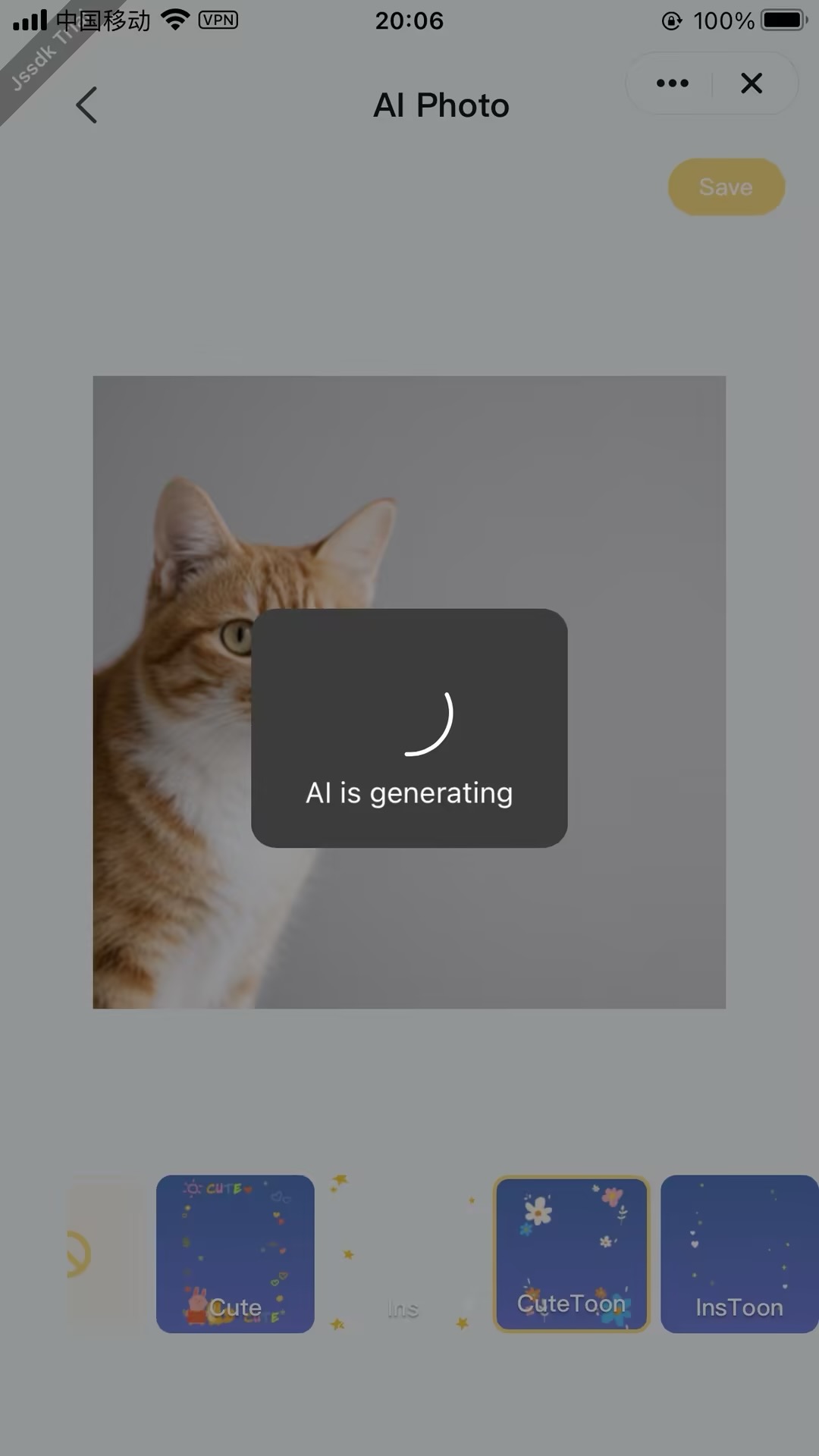
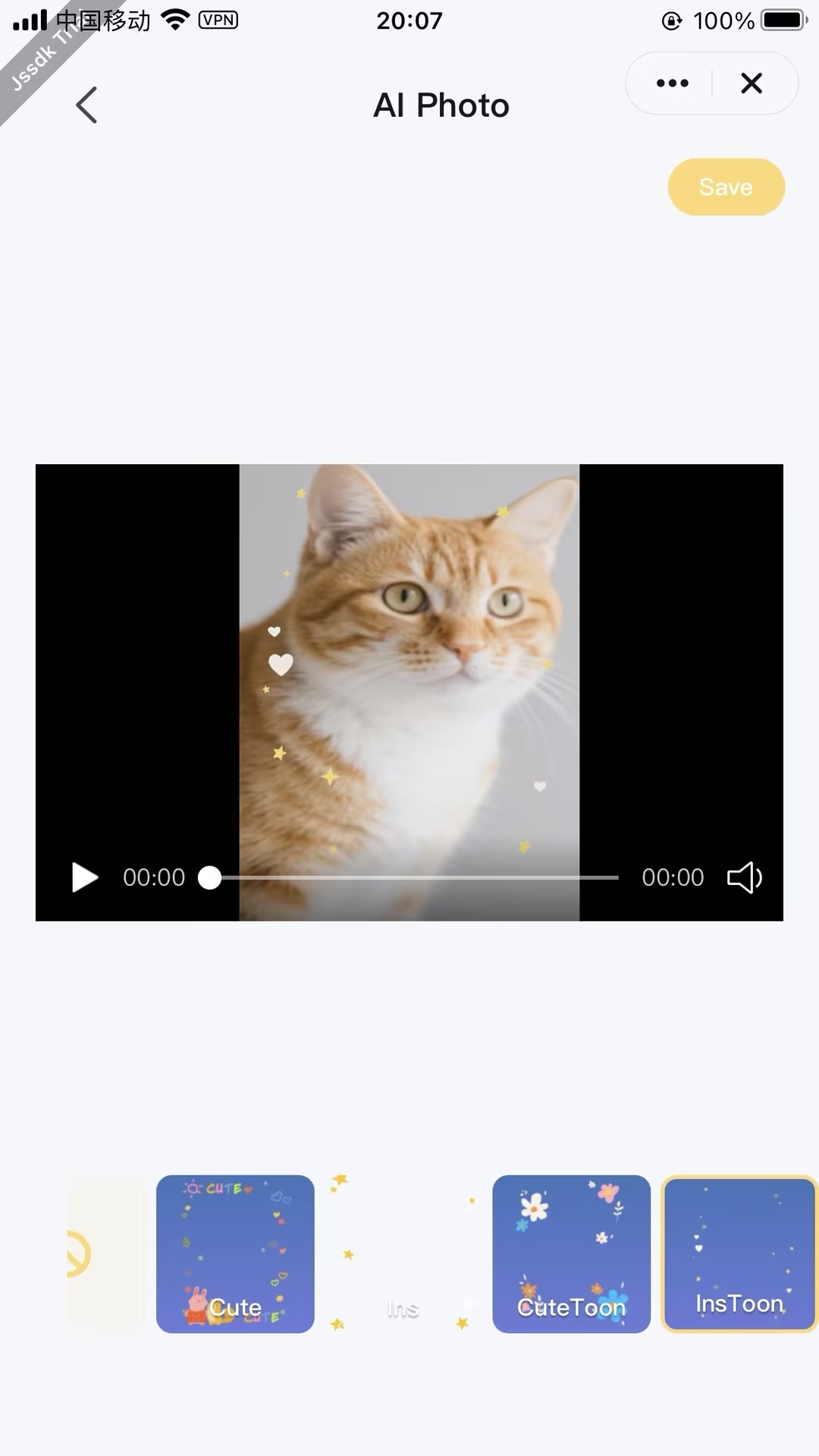
This function uses AI technology to intelligently merge preset fun theme templates with user-uploaded images, achieving one-click, zero-barrier pet fun editing. The solution requires no token consumption and supports instant generation from photos, allowing users to experience the joy of free creation.
### Process Description
#### 1. Resource Preparation Phase
##### Cloud Resource Library
- **Model Repository**
- Pre-trained AI model storage (e.g., subject detection, dynamic center point adaptation, etc.)
- Supports `model downloads` to local or cloud inference environment
- **Template Material Library**
- Stores `foreground templates`, background materials, etc.
- Supports `template downloads` or `template configuration retrieval`
#### 2. Input Processing Phase
- **Image Files**
- User original photo upload
- Supports `image recognition` (people/pet detection)
- **Media Files**
- Media input (currently only supports static images)
- Supports `media synthesis` preprocessing
#### 3. On-APP AI Processing Phase
- **On-App AI Processing Flow**
- Real-time processing combining downloaded models and templates
- Typical operations:
- Portrait segmentation
- Style rendering
- Background composition
- **Strategy Optimization**
- Automatically adjusts subject centering based on subject coordinates in the image
#### 4. Output Phase
- Generate AI portrait images/videos
- Support saving to phone local gallery
### Interaction Flow
```mermaid
sequenceDiagram
participant User
participant Panel
participant App Service
participant AI Engine
rect rgb(200, 230, 255)
Note over Panel,App Service: 1. Service Initialization
Panel ->> App Service: createForegroundVideoService()
App Service ->> AI Engine: Load AI Model
AI Engine -->> App Service: Instance Ready
App Service -->> Panel: Return Service Instance ID
end
rect rgb(230, 240, 200)
Note over User,Panel: 2. Material Preparation
User ->> Panel: Upload Pet Video/Image
User ->> Panel: Select AI Material Template
Panel ->> Panel: Cache Original Material
end
rect rgb(200, 240, 230)
Note over Panel,AI Engine: 3. AI Generation
Panel ->> App Service: processPetForegroundMediaByTemplate(
Original Material,
Template ID)
App Service ->> AI Engine: Execute Generation Task
loop Progress Callback
AI Engine -->> Panel: Generation Progress(0-100%)
end
AI Engine -->> App Service: Generation Complete
App Service -->> Panel: Return Portrait File URL
end
rect rgb(240, 200, 230)
Note over Panel,User: 4. Result Processing
Panel ->> Panel: Download Portrait File
Panel ->> User: Render Preview Effect
alt User Satisfied
User ->> Panel: Click Save
Panel ->> App Service: Save to Local Gallery
App Service -->> User: Write to Phone Gallery
else Regenerate
User ->> Panel: Click Regenerate
Panel ->> User: Return to Step 2
end
end
```
### Notes
- 1. It is recommended to reuse the same Pet Portrait generation service instance on a single page;
- 2. Promptly destroy instances that are no longer in use;