Audio Upload to Cloud
Feature Introduction
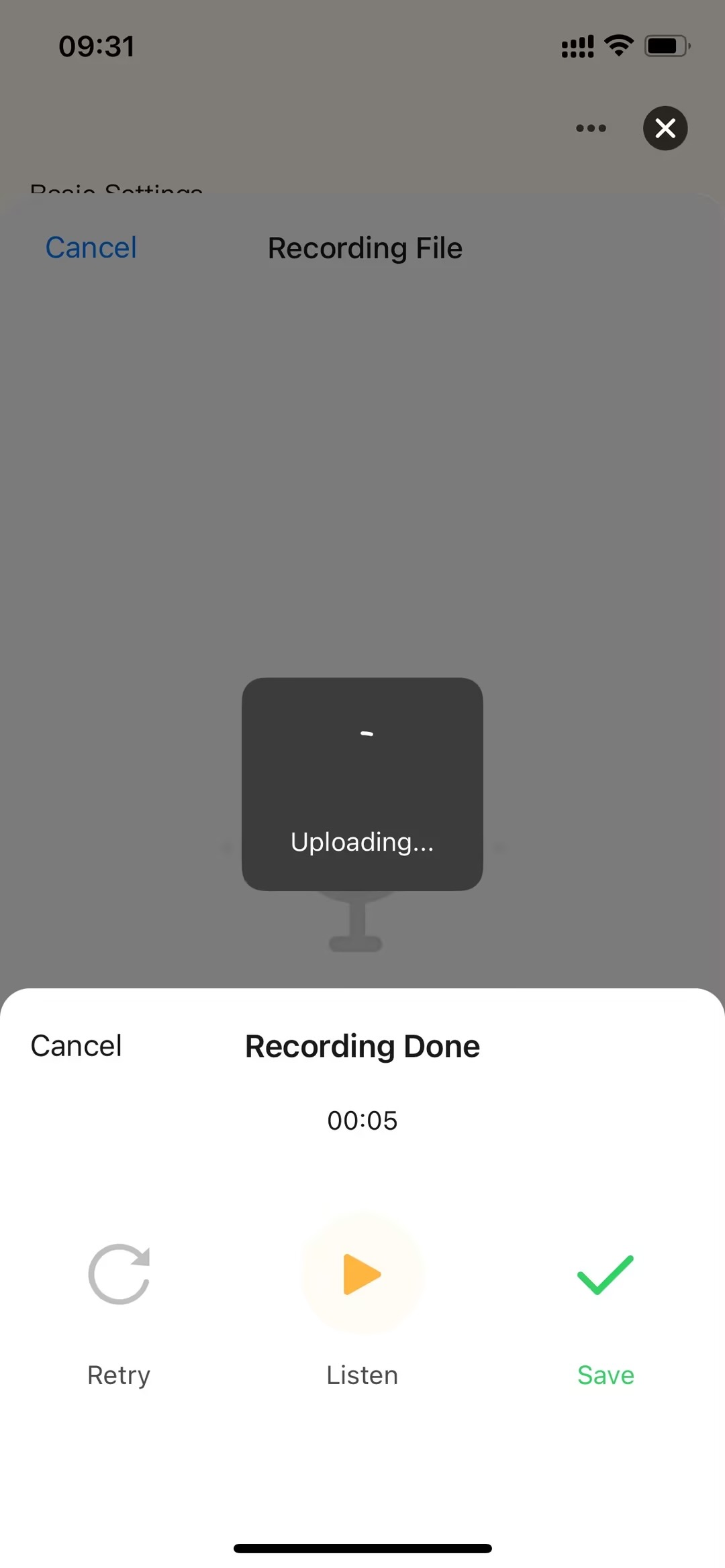
-
The audio upload to cloud primarily involves the following steps: obtaining a temporary address upload signature, uploading the audio file, getting upload status, polling large file upload status, and saving pet media files.
-
Audio upload to cloud mainly relies on the following 5 key capabilities:
-
Obtain Temporary Address Upload Signature
Developers can use the fetchDeviceFileSign API to obtain detailed configuration information for the "Moment" service. -
Upload Audio File
Developers can use the uploadFile API to upload audio files. -
Get Upload Status
Developers can use the fetchDeviceFileUploadState API to get the upload status. -
Polling Large File Upload Status
Developers can use the fetchBigPublicFileUploadState API to poll large file upload status. -
Save Pet Media Files
Developers can use the fileRelationSave API to save pet media files.
Interaction Flow
sequenceDiagram
    participant User
    participant Panel
    participant Cloud

    rect rgb(220, 245, 245)
        Note over User, Cloud: Audio File Upload Process
        User ->> Panel: Completes recording
        Panel ->> Cloud: fetchDeviceFileSign() requests temporary address and signature
        Cloud -->> Panel: Returns temporary address and signature
    end

    rect rgb(245, 245, 220)
        Note over Panel, Cloud: Upload Audio File
        Panel ->> Cloud: uploadFile() uploads the file to the temporary address
        Cloud -->> Panel: Uploading...
    end

    rect rgb(245, 220, 245)
        Note over Panel, Cloud: Query Upload Status
        alt File Size Normal
            Panel ->> Cloud: fetchDeviceFileUploadState()
            Cloud -->> Panel: Returns cloud-stored file information
        else File Too Large (greater than 5M)
            loop Poll to get cloud storage key
                Panel ->> Cloud: fetchBigPublicFileUploadState()
                Cloud -->> Panel: Returns cloud-stored file information
            end
        end
    end

    rect rgb(220, 245, 220)
        Note over Panel, Cloud: Complete Upload Operation
        Panel ->> Cloud: fileRelationSave()
        Cloud -->> Panel: Upload completed, returns cloud-stored file information
    end