Retrieve Local Music List
Function Introduction
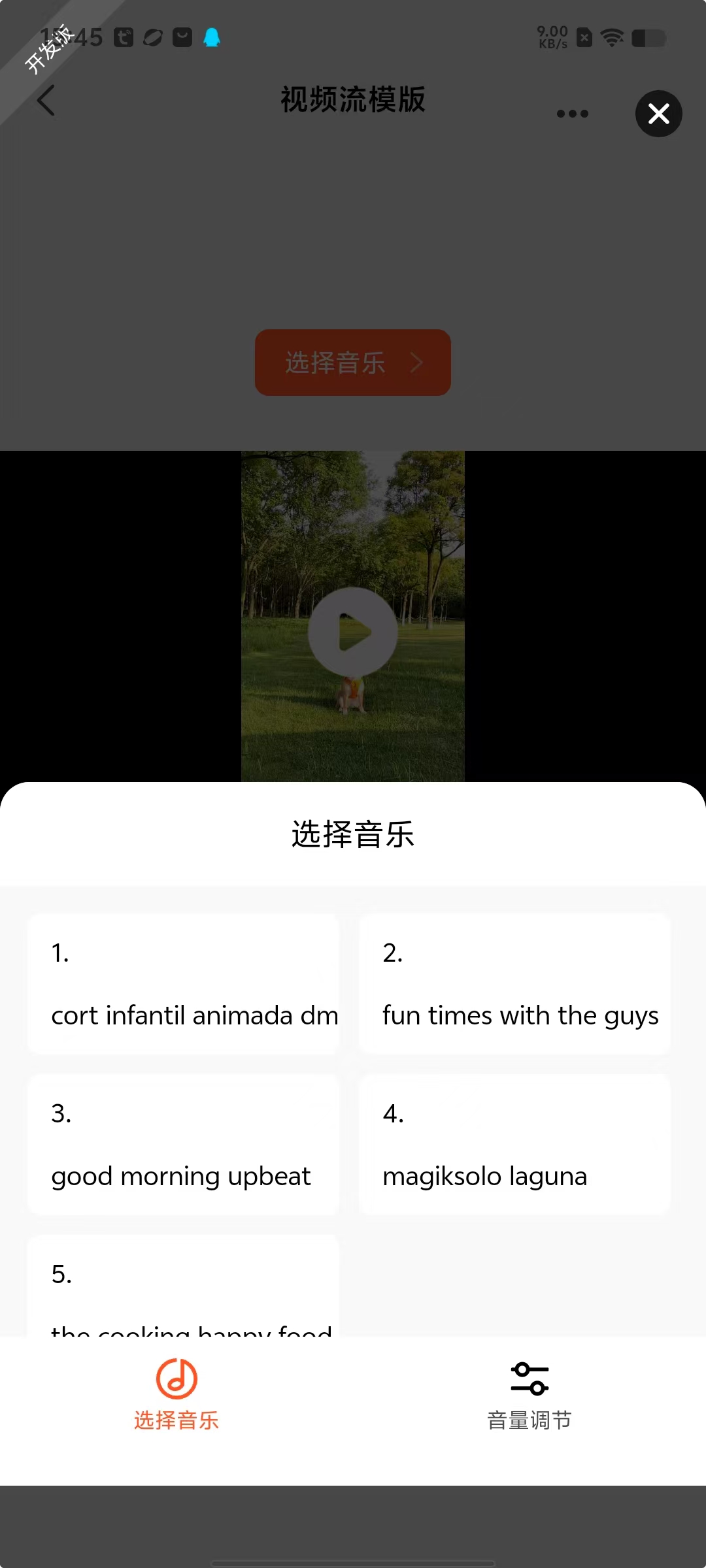
Tuya currently provides developers with some default background music resources that can be directly obtained and used. We will continue to expand the music library to meet more scenario needs. The process of obtaining and using default background music is mainly divided into the following two steps:
-
Obtain Online Music Address
Developers can use the backgroundMusicList API to get the online access address of the default background music. -
Download to Local Storage
After obtaining the address, you can combine system environment variables env and API backgroundMusicDownload to download the music file to your phone for subsequent use.
Tip: We recommend developers manage local caching of music files after downloading to optimize user experience.
Interaction Process
sequenceDiagram
rect rgb(191, 223, 255)
    Panel->>App: 1. Request background music list (backgroundMusicList)
    App-->>Panel: Return default music list
    Panel->>App: 2. Request sandbox addresses in bulk (env.USER_DATA_PATH)
    App-->>Panel: Return list of sandbox addresses
    Panel->>App: 3. Initiate bulk download (backgroundMusicDownload)
    App->>Cloud: Request music files
    Cloud-->>App: Return music files
    App->>App: Store to pre-allocated sandbox addresses
    App-->>Panel: Notify download completion
end

rect rgb(200, 150, 255)
    Note right of Panel: User interaction layer
    Note left of Cloud: Cloud storage service
endConsiderations
-
- Best Practice Suggestion
When applying for sandbox addresses usingenv.USER_DATA_PATH, it is important to maintain consistency in file names. Using different file names for each application will result in redundant sandbox paths, which may cause the following issues:
- Creation of fragmented files
- Occupation of additional storage space
- Potential memory overflow risks
- Best Practice Suggestion
-
- Code Practice Please refer to Video Stream Subject Highlighting Template Details.