Getting AI Resource Materials
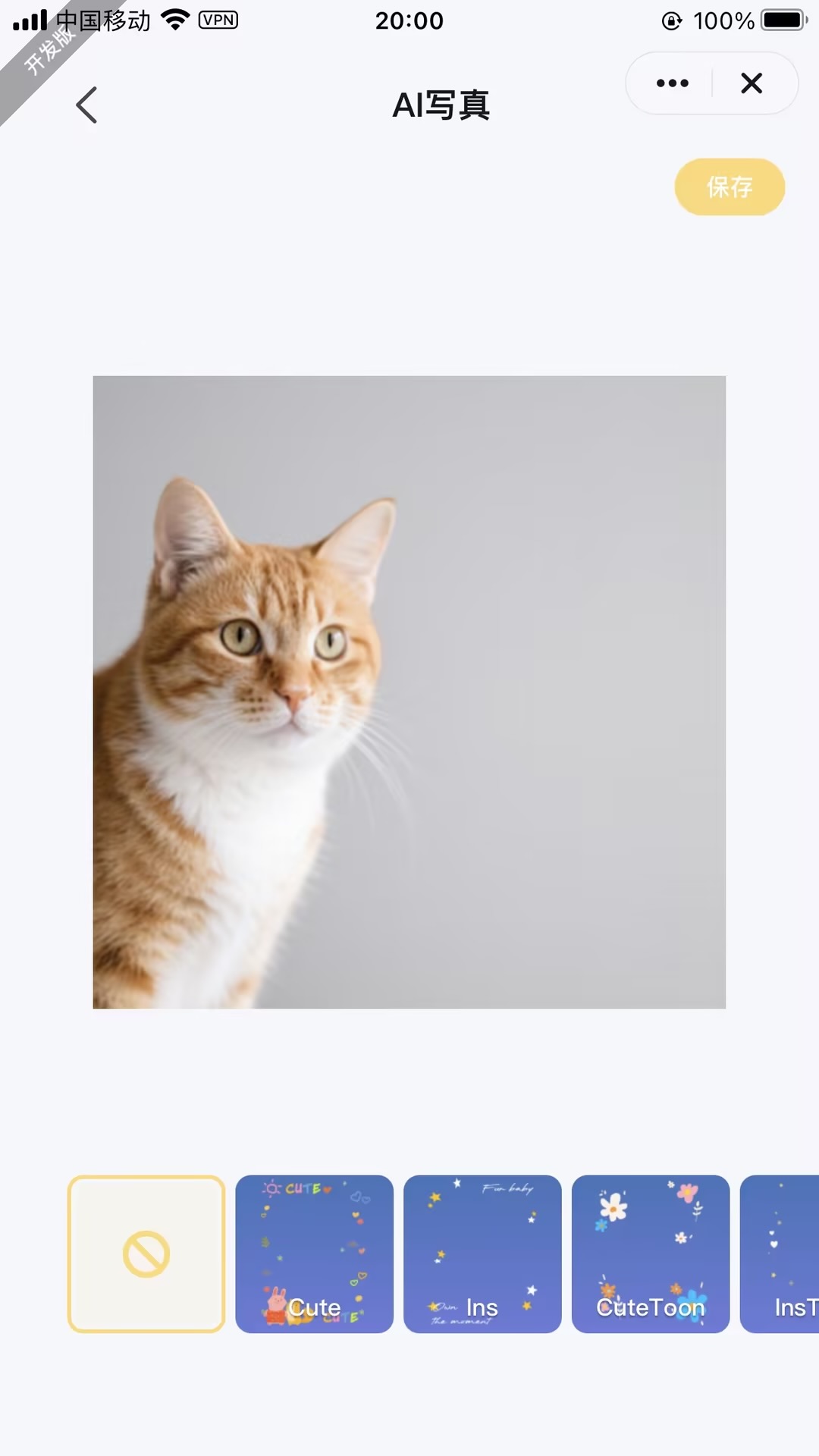
Feature Introduction
AI resource materials rely on the following key capabilities during initialization and import:
- getAiFilterTemplates: Through this API, the panel side can obtain AI resource materials configured by B-end customers.
Interaction Flow
sequenceDiagram
    participant B-end
    participant Tuya Cloud
    participant Panel
    participant C-end

    rect rgb(240, 245, 255)
        Note over B-end,Tuya Cloud: 1. Initial Resource Configuration
        B-end ->> Tuya Cloud: Upload AI resource package
        Tuya Cloud ->> Tuya Cloud: Store and generate resource ID
        Tuya Cloud -->> B-end: Return configuration confirmation
    end

    rect rgb(230, 255, 240)
        Note over Panel,Tuya Cloud: 2. Resource Acquisition Phase
        Panel ->> Tuya Cloud: getAiFilterTemplates(B-end ID)
        Tuya Cloud ->> Tuya Cloud: Verify B-end permissions
        Tuya Cloud -->> Panel: Return resource package(JSON+file URL)
        Panel ->> Panel: Cache locally
        loop File Download
            Panel ->> Tuya Cloud: Request resource files
            Tuya Cloud -->> Panel: Return binary data
        end
    end

    rect rgb(255, 250, 230)
        Note over Panel,C-end: 3. C-end Usage Phase
        Panel ->> Panel: Parse resource package
        Panel ->> C-end: Render UI components
        loop User Interaction
            C-end ->> Panel: Select AI filter/material
            Panel ->> C-end: Real-time preview effect
        end
    end

    rect rgb(255, 230, 230)
        Note over Panel,Tuya Cloud: 4. Cache Update (Planning)
        Panel ->> Tuya Cloud: Periodically check resource version
        alt New Version Available
            Tuya Cloud -->> Panel: Return incremental update package
            Panel ->> Panel: Hot update cache
        end
endNotes
-
- For information regarding AI resource material configuration tutorials, please contact your project manager or submit a ticket for consultation.