Pet Portrait Generation On-App AI
Feature Introduction
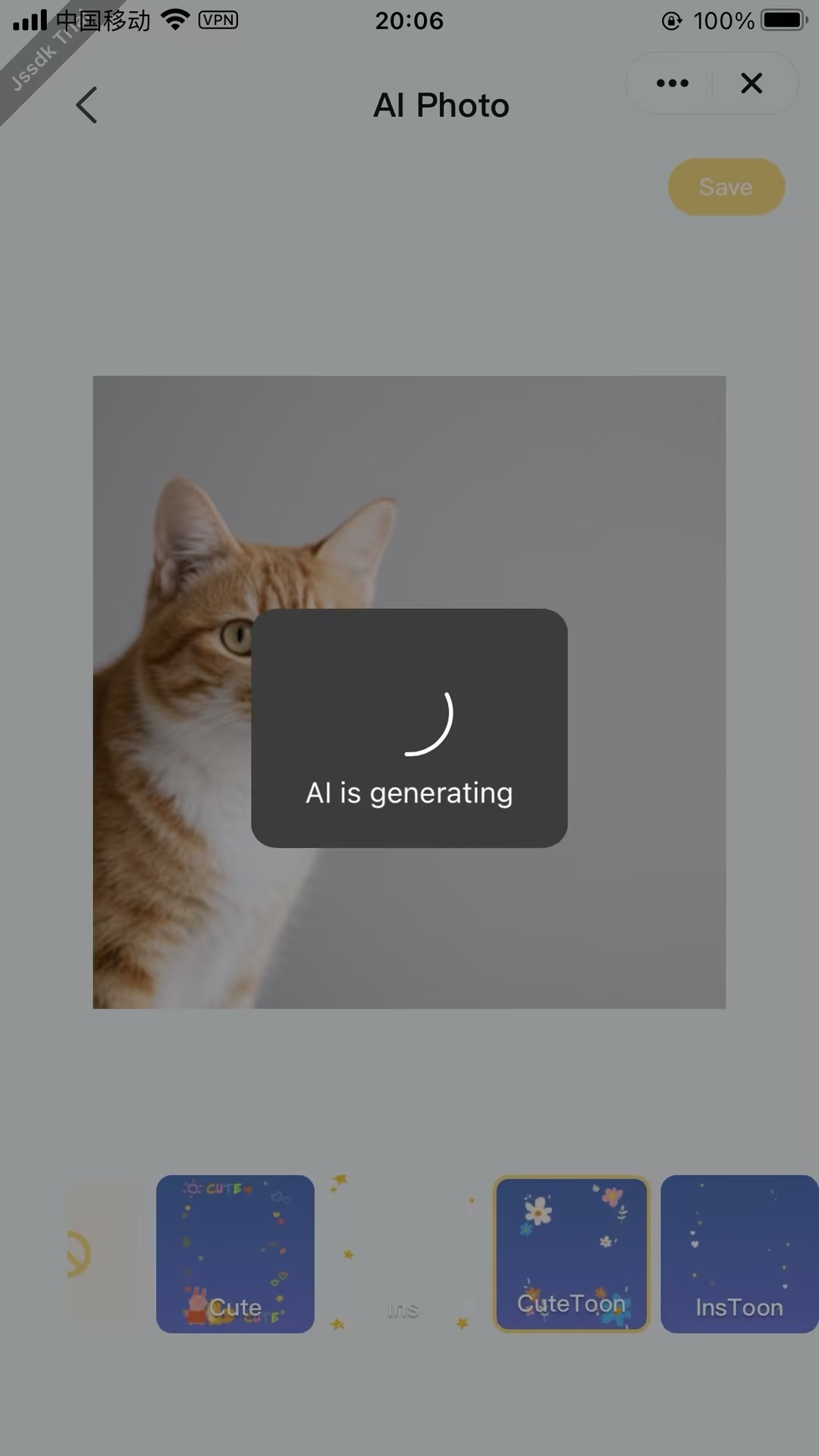
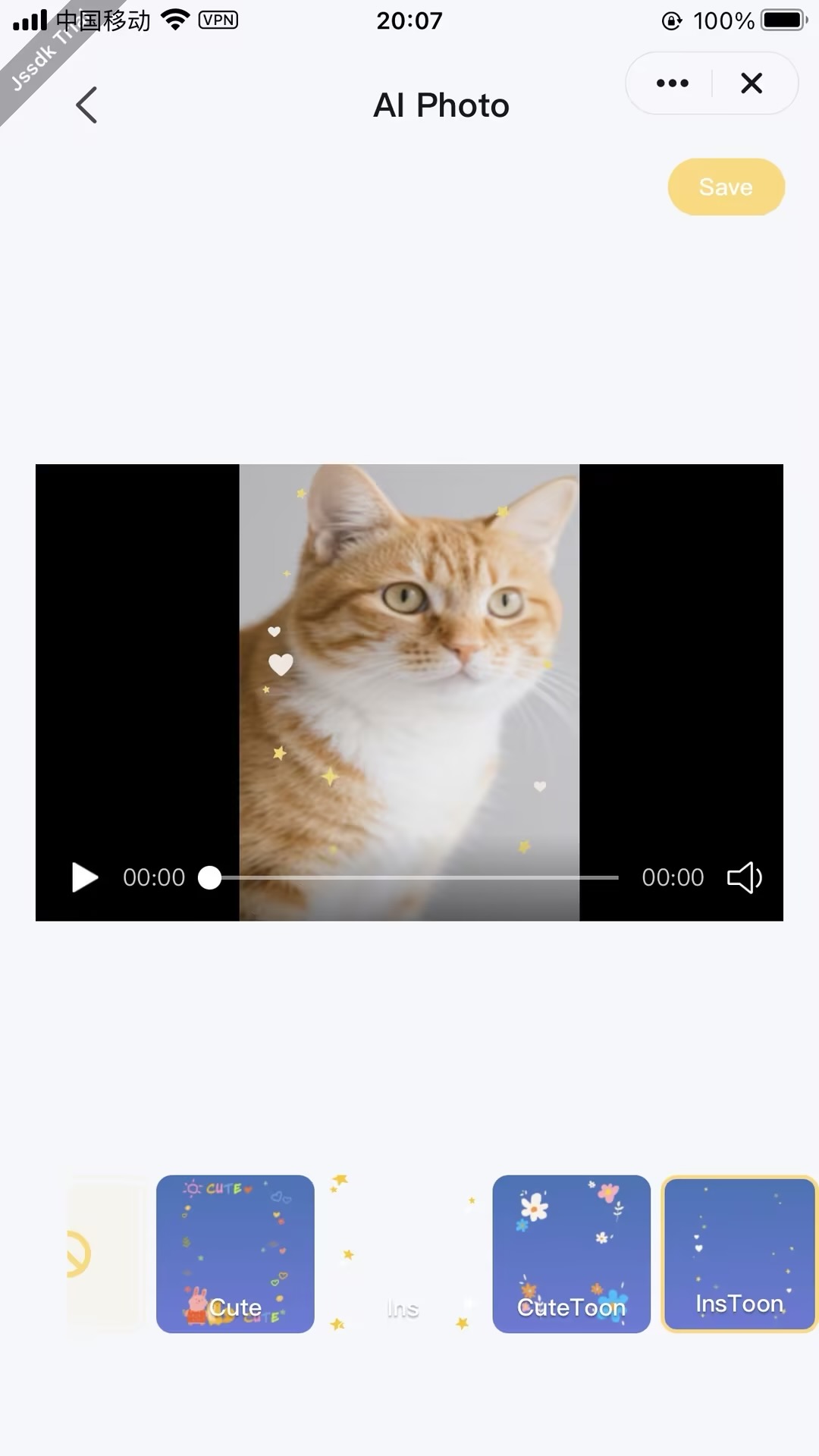
This function uses AI technology to intelligently merge preset fun theme templates with user-uploaded images, achieving one-click, zero-barrier pet fun editing. The solution requires no token consumption and supports instant generation from photos, allowing users to experience the joy of free creation.
Process Description
1. Resource Preparation Phase
Cloud Resource Library
- Model Repository
- Pre-trained AI model storage (e.g., subject detection, dynamic center point adaptation, etc.)
- Supports
model downloadsto local or cloud inference environment
- Template Material Library
- Stores
foreground templates, background materials, etc. - Supports
template downloadsortemplate configuration retrieval
- Stores
2. Input Processing Phase
- Image Files
- User original photo upload
- Supports
image recognition(people/pet detection)
- Media Files
- Media input (currently only supports static images)
- Supports
media synthesispreprocessing
3. On-APP AI Processing Phase
- On-App AI Processing Flow
- Real-time processing combining downloaded models and templates
- Typical operations:
- Portrait segmentation
- Style rendering
- Background composition
- Strategy Optimization
- Automatically adjusts subject centering based on subject coordinates in the image
4. Output Phase
- Generate AI portrait images/videos
- Support saving to phone local gallery
Interaction Flow
sequenceDiagram
    participant User
    participant Panel
    participant App Service
    participant AI Engine

    rect rgb(200, 230, 255)
        Note over Panel,App Service: 1. Service Initialization
        Panel ->> App Service: createForegroundVideoService()
        App Service ->> AI Engine: Load AI Model
        AI Engine -->> App Service: Instance Ready
        App Service -->> Panel: Return Service Instance ID
    end

    rect rgb(230, 240, 200)
        Note over User,Panel: 2. Material Preparation
        User ->> Panel: Upload Pet Video/Image
        User ->> Panel: Select AI Material Template
        Panel ->> Panel: Cache Original Material
    end

    rect rgb(200, 240, 230)
        Note over Panel,AI Engine: 3. AI Generation
        Panel ->> App Service: processPetForegroundMediaByTemplate(<br>Original Material,<br>Template ID)
        App Service ->> AI Engine: Execute Generation Task
        loop Progress Callback
            AI Engine -->> Panel: Generation Progress(0-100%)
        end
        AI Engine -->> App Service: Generation Complete
        App Service -->> Panel: Return Portrait File URL
    end

    rect rgb(240, 200, 230)
        Note over Panel,User: 4. Result Processing
        Panel ->> Panel: Download Portrait File
        Panel ->> User: Render Preview Effect
        alt User Satisfied
            User ->> Panel: Click Save
            Panel ->> App Service: Save to Local Gallery
            App Service -->> User: Write to Phone Gallery
        else Regenerate
            User ->> Panel: Click Regenerate
            Panel ->> User: Return to Step 2
        end
endNotes
-
- It is recommended to reuse the same Pet Portrait generation service instance on a single page;
-
- Promptly destroy instances that are no longer in use;