Pet Image Quality Detection On-App AI
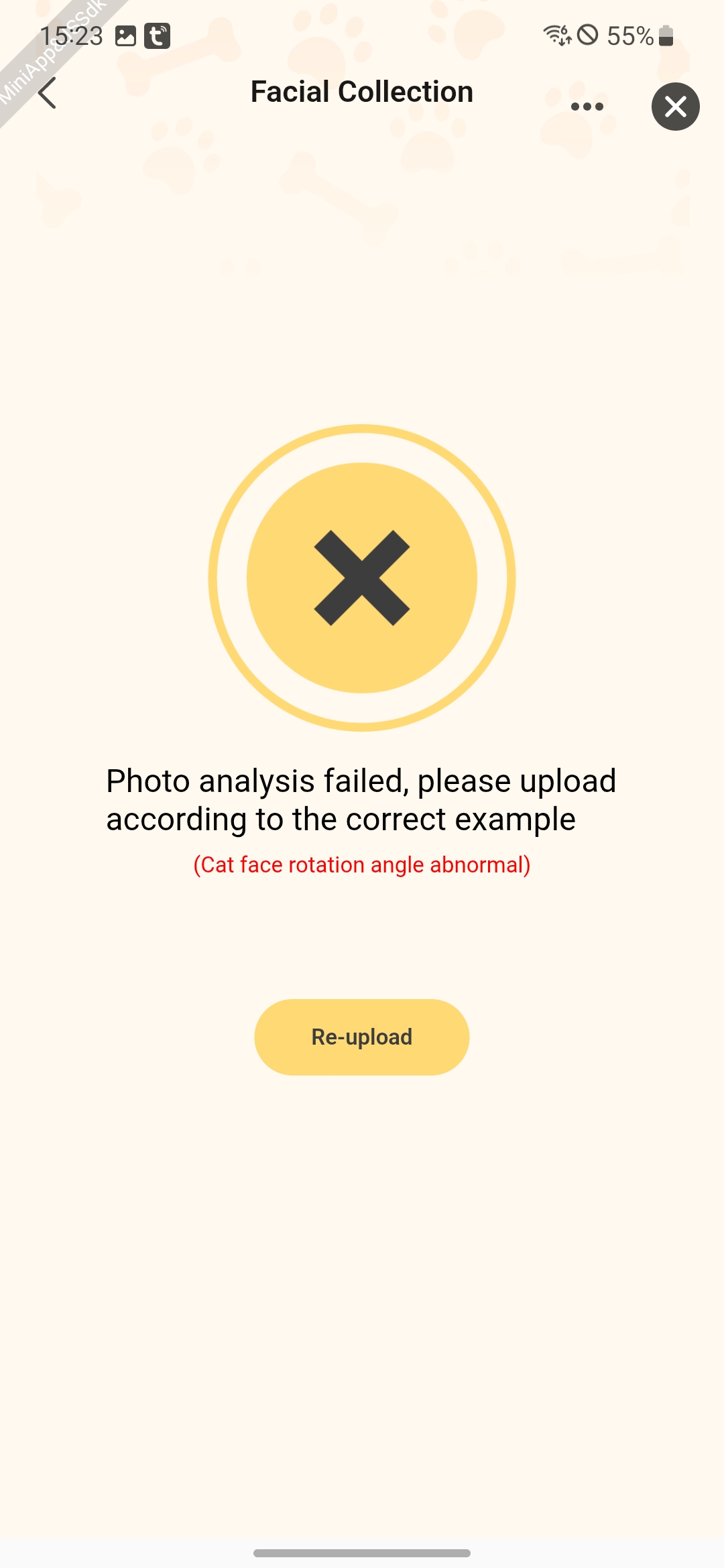

Feature Introduction
This feature supports real-time quality inspection of images uploaded by users, automatically intercepting low-quality images such as blurry, distorted, and low resolution pictures to avoid ineffective transmission. Through local real-time filtering, it reduces dependency on cloud detection, significantly lowers network latency, enhances response efficiency, and provides a smoother upload experience for users.
Process Description
-
Subject Recognition
- Automatically identify the subject in the image (e.g., a pet) using object detection models
- Output the subject category, position coordinates, and size information
-
Face Detection
- Locate the pet's face area first
- Identify key facial features (e.g., eyes, nose) afterward
-
Quality Verification
- Brightness Detection: Calculate the average brightness of the subject area to filter out overexposed/underexposed images
- Posture Detection: Calculate facial deflection angles based on feature points
- Occlusion Detection: Determine if there are any obstructions to the face
Interaction Flow
sequenceDiagram
    participant User
    participant Panel
    participant AI Engine
    participant Cloud

    rect rgb(200, 230, 255)
        User->>Panel: Enter the Create/Edit Pet Profile page
        Panel->>AI Engine: petsDetectCreate()
        AI Engine-->>Panel: Instance entity
    end

    rect rgb(200, 255, 225)
        Panel->>AI Engine: petsPictureQualityDetectForImage(images)
        AI Engine->>AI Engine: Analyze image quality
        alt High Quality
            AI Engine-->>Panel: {lowQuality: false}
        else Low Quality
            AI Engine-->>Panel: {lowQuality: true, reason: 11xx/12xx/13xx}
        end
    end

    rect rgb(255, 230, 200)
        alt Images meeting the standards are present
            Panel->>Cloud: Upload images that passed the detection
            Cloud-->>Panel: Return training results
            Panel->>User: Proceed to the next step
        else No images meeting the standards are present
            Panel->>User: Display error message
        end
endNotes
-
It is recommended to reuse the same pet image quality detection instance within a single page.
-
Timely destruction of instances that are no longer in use is advisable.