Pet Image Resource Import
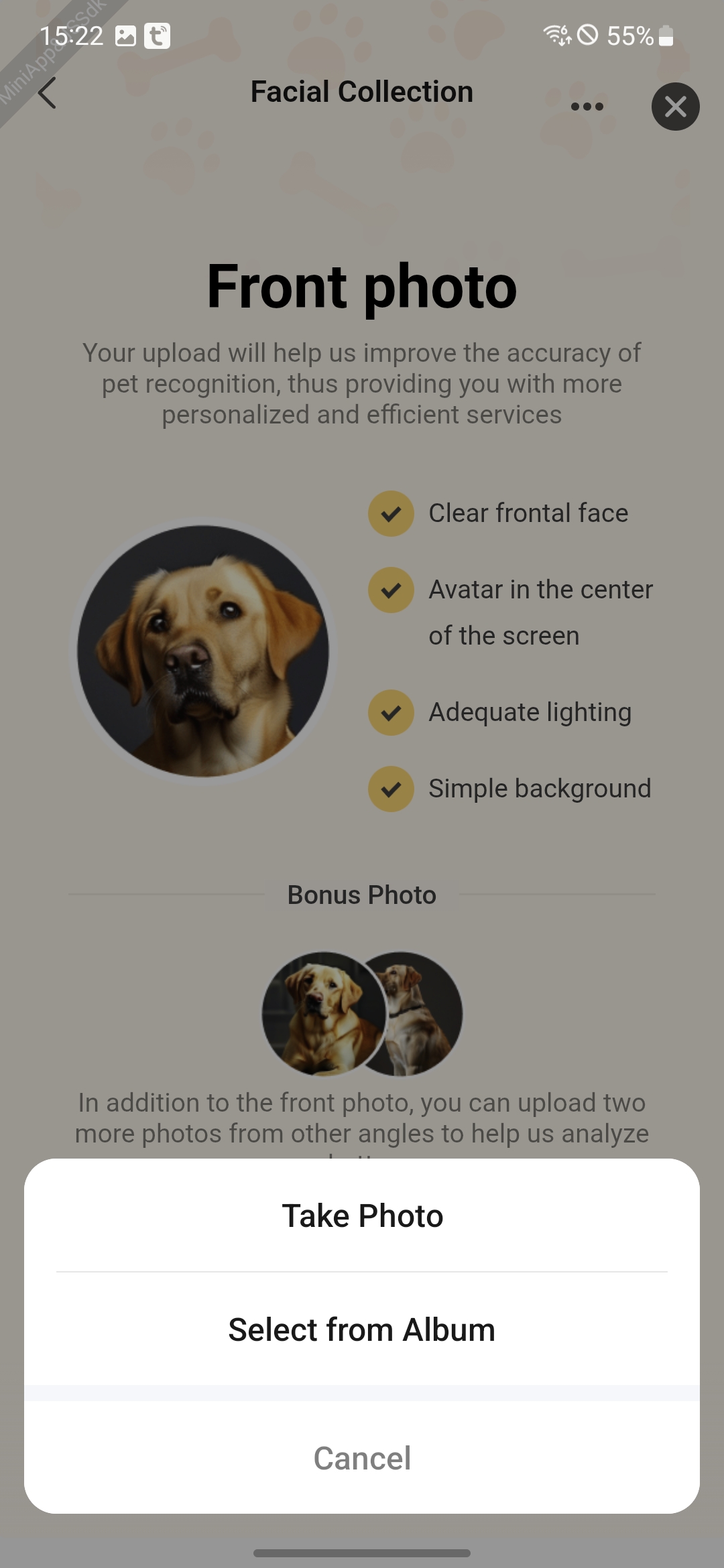
Feature Introduction
The initialization and import of pet image resources rely on the following two key capabilities:
-
Image Selection
- chooseImage: Supports end-users in selecting images from the local gallery or using the camera to take photos.
-
Image Compression
- resizeImage: Compresses images by first cropping them to the target dimensions while maintaining the original aspect ratio, then performing quality compression based on file size limits.
Interaction Flow
sequenceDiagram
    participant User
    participant Panel
    participant System Gallery
    participant Image Processor

    rect rgb(200, 230, 255)
        Note over User,Panel: Image Selection Phase
        User ->> Panel: Click "Create Pet Profile"
        Panel ->> System Gallery: chooseImage()
        System Gallery ->> User: Gallery interface appears
        User ->> System Gallery: Select pet image
        System Gallery -->> Panel: Return list of original image URIs
    end

    rect rgb(200, 255, 225)
        Note over Panel,Image Processor: Image Processing Phase
        Panel ->> Image Processor: resizeImage(original URI)
        Image Processor ->> Image Processor: 1. Copy to app cache
        Image Processor ->> Image Processor: 2. Compress to specified size (e.g., 800x800)
        Image Processor -->> Panel: Return processed temporary URI
    end

    rect rgb(230, 200, 255)
        Note over Panel,User: Result Return Phase
        Panel ->> Panel: Generate cache address list
        Panel ->> User: Display compressed preview images
endNotes
-
- When using the resizeImage API, the parameter maxFileSize is in bytes. Please pay attention to unit conversion when limiting the maximum image size.