Highlights Full Album
Function Introduction
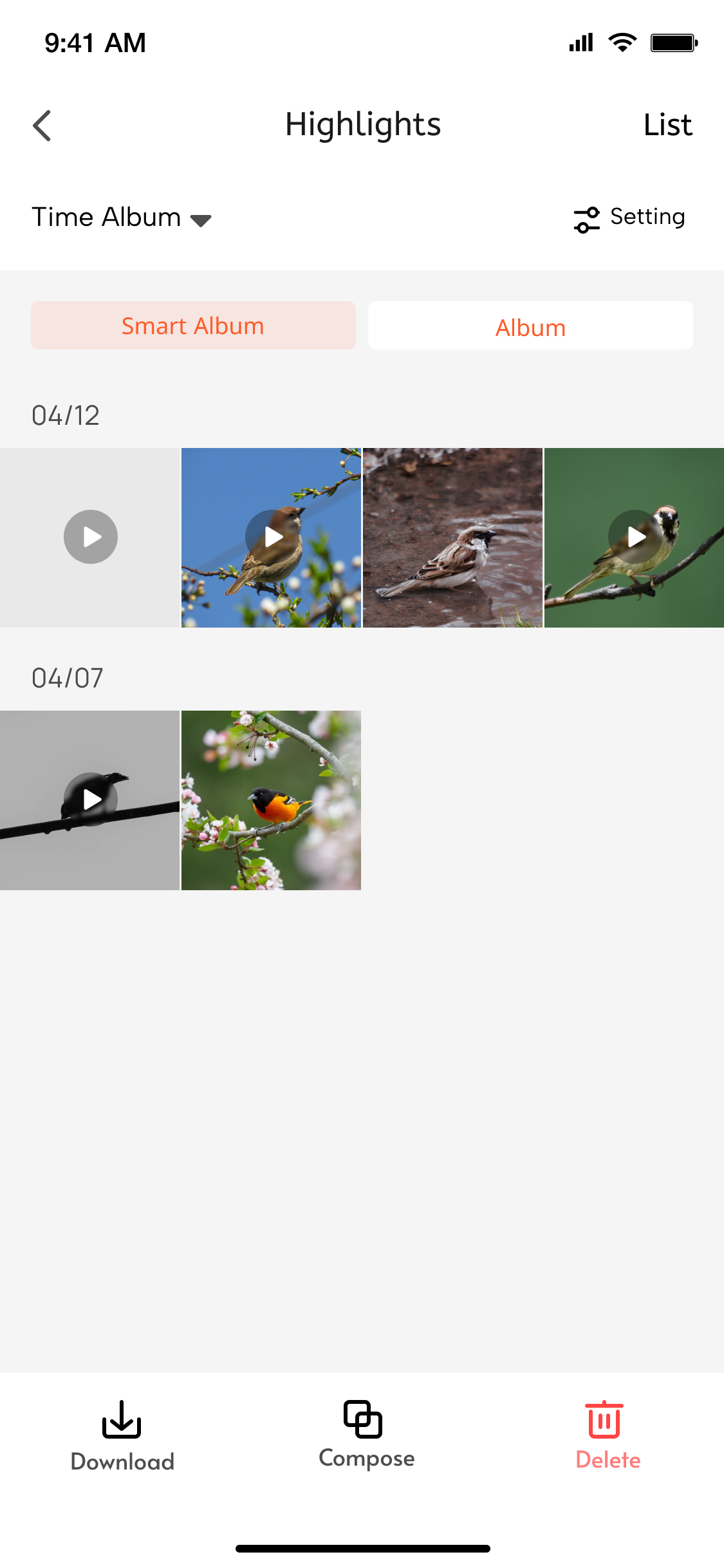
-
The Highlights Full Album mainly includes: all video snippets from highlights, supporting video download, AI editing, and deletion.
-
Highlights service details setup mainly rely on the following two key capabilities:
-
Get Highlights File List
Developers can use the albumVideoFileList API to obtain the full list of video files for highlights. -
Delete Highlights Video File
When configuring highlights service information for the first time, developers can use the albumFileDelete API to delete highlights video files.
Interaction Flow
sequenceDiagram
    participant User
    participant Panel
    participant Cloud

    rect rgb(227, 242, 253)
        Note over User, Panel: Initialization phase
        User ->> Panel: Enter Highlights panel
        Panel ->> Cloud: albumVideoFileList-api
        Cloud -->> Panel: Return full list of video files
        Panel ->> User: Display video list UI
        Note right of Panel: Grid layout display<br>includes thumbnail+filename+delete button
    end

    rect rgb(255, 243, 224)
        Note over User, Cloud: Deletion operation phase
        User ->> Panel: Click delete button (File ID:123)
        Panel ->> User: Show confirmation dialog
        User ->> Panel: Confirm deletion

        Panel ->> Cloud: albumFileDelete-api<br>(Parameter: fileId=123)
        Cloud ->> Cloud: Execute delete operation
        alt Deletion successful
            Cloud -->> Panel: Return success status
            Panel ->> User: Show success toast
            Panel ->> Panel: Update local list
        else Deletion failed
            Cloud -->> Panel: Return error message
            Panel ->> User: Show error toast
        end
    end