

Configure the phone/SMS channel
Last Updated on : 2025-09-19 07:25:45Copy for LLMView as MarkdownDownload PDF
This topic describes how to enable and configure the alarm phone/SMS channel.
1. Purchase telephone/SMS service
- Log in to the Tuya IoT platform
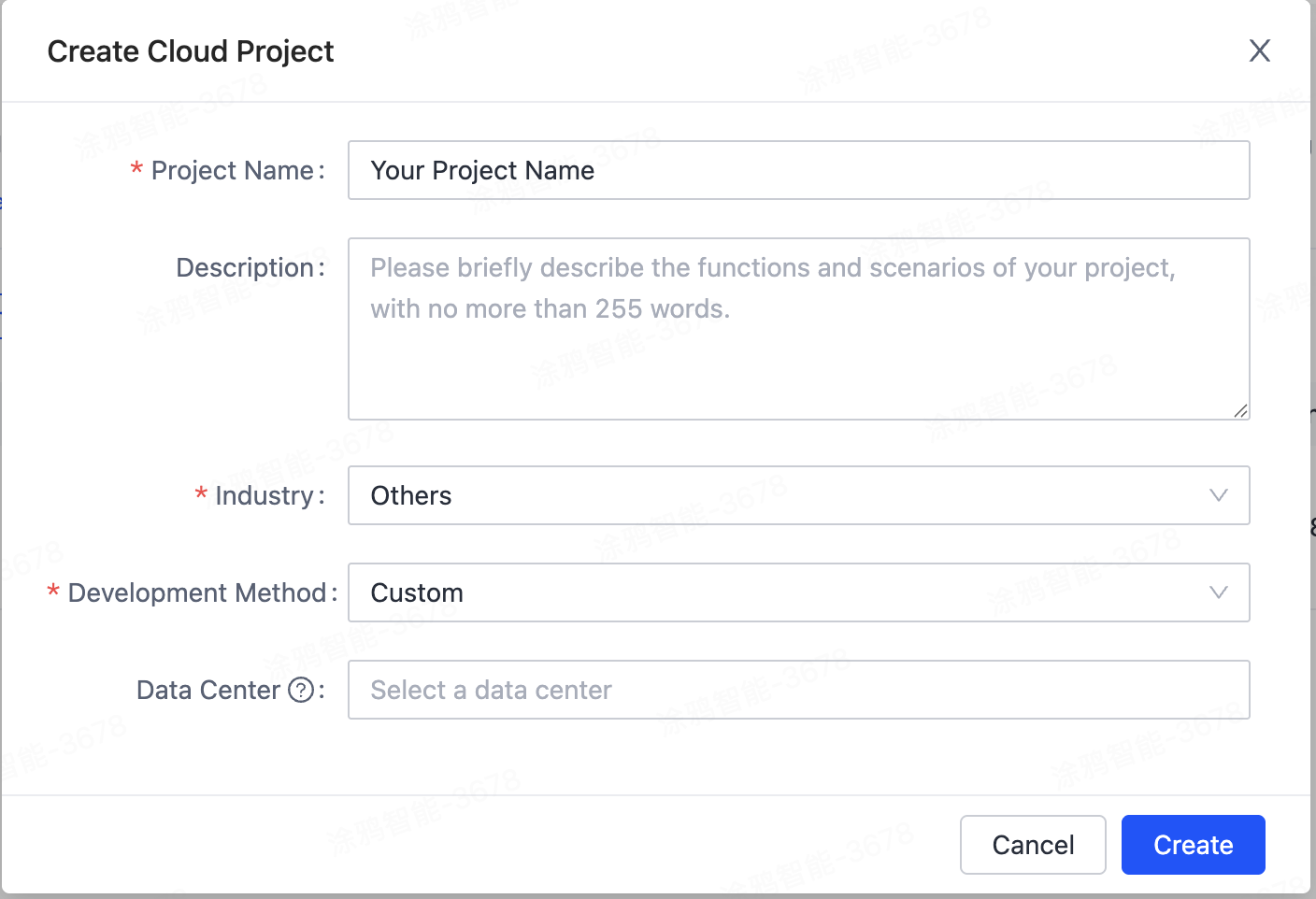
- Go to the 「Cloud」 module and create a cloud project
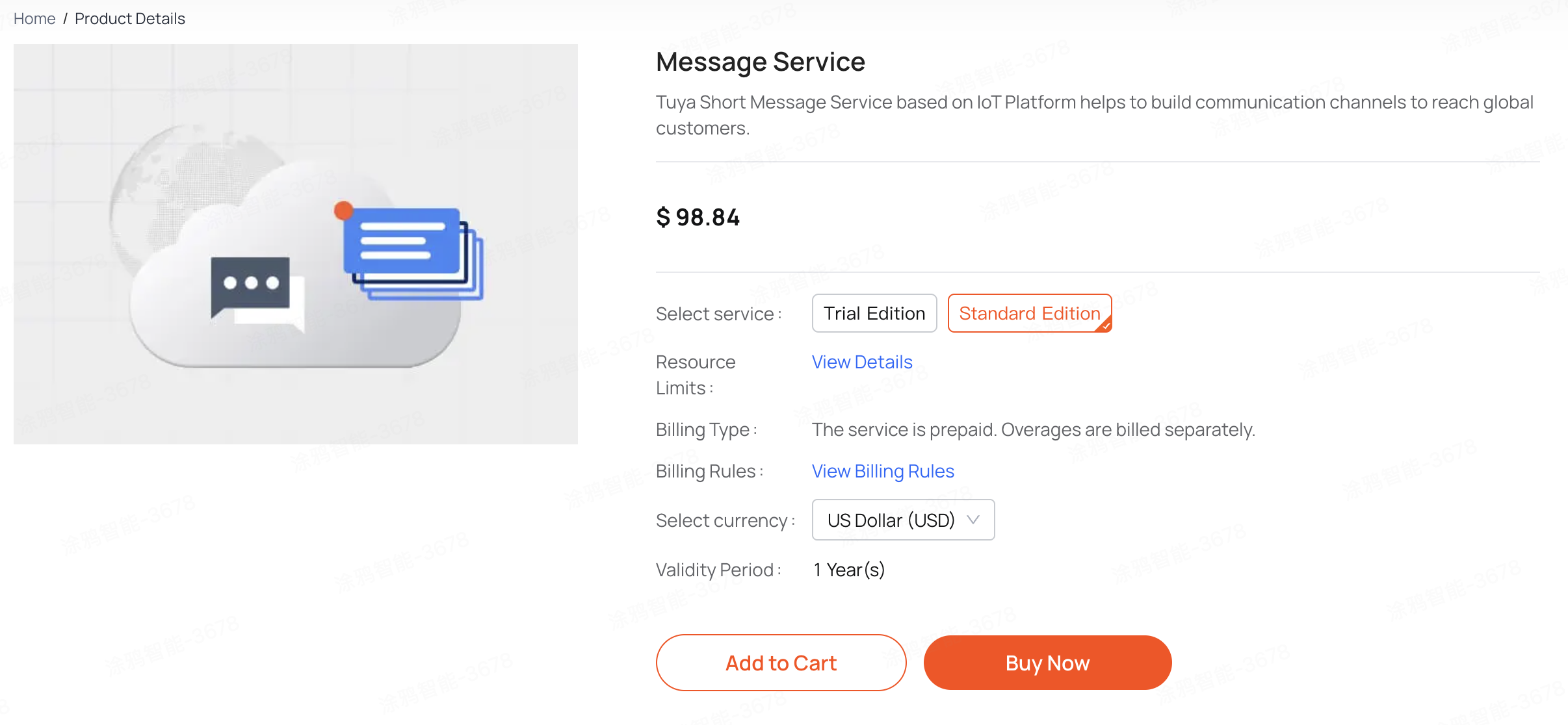
3.Go to the 「Cloud Services」module, purchase Voice Message Service, Message Service, and authorize cloud projects.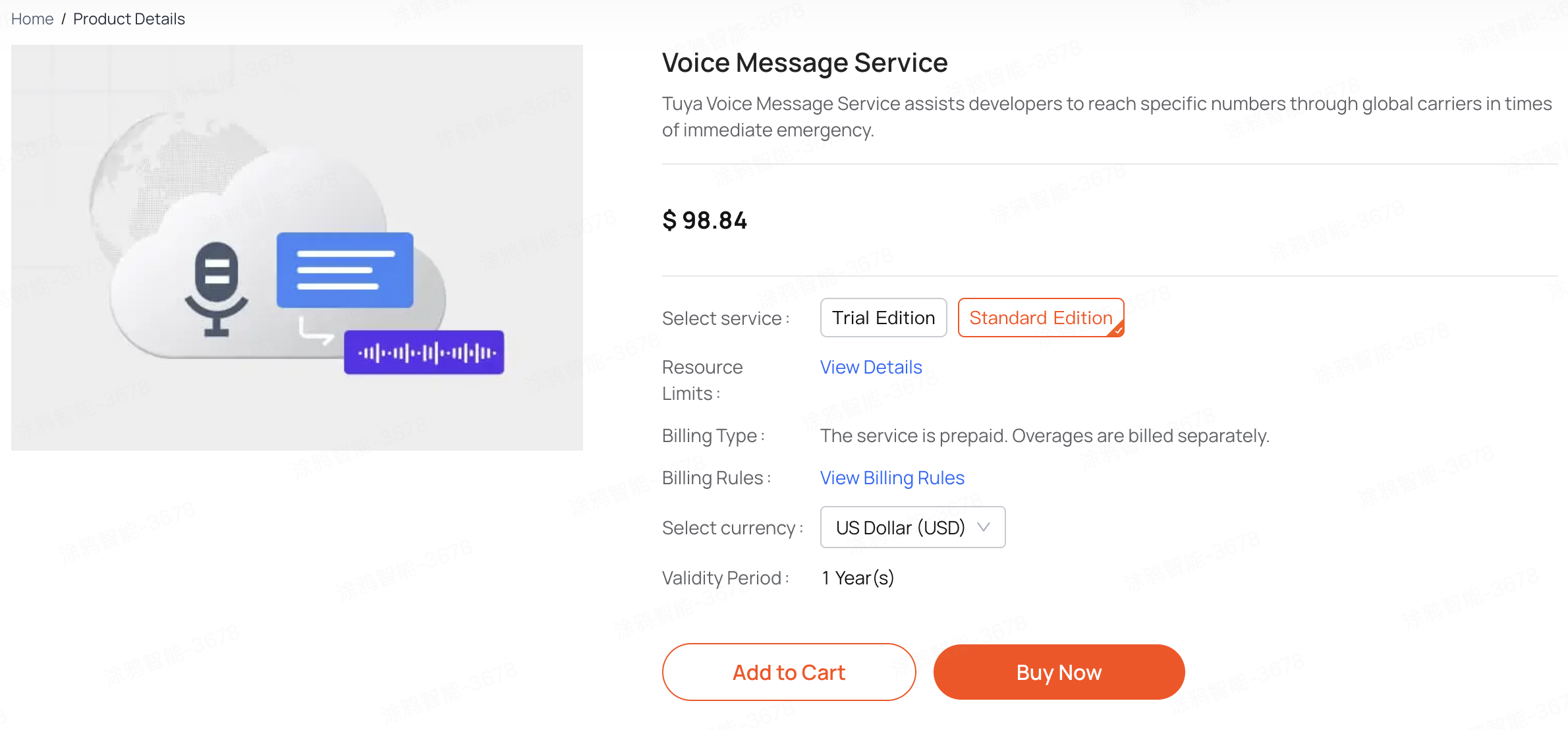
2. Configure the authorization key
- Enter the cloud project and get the authorization key
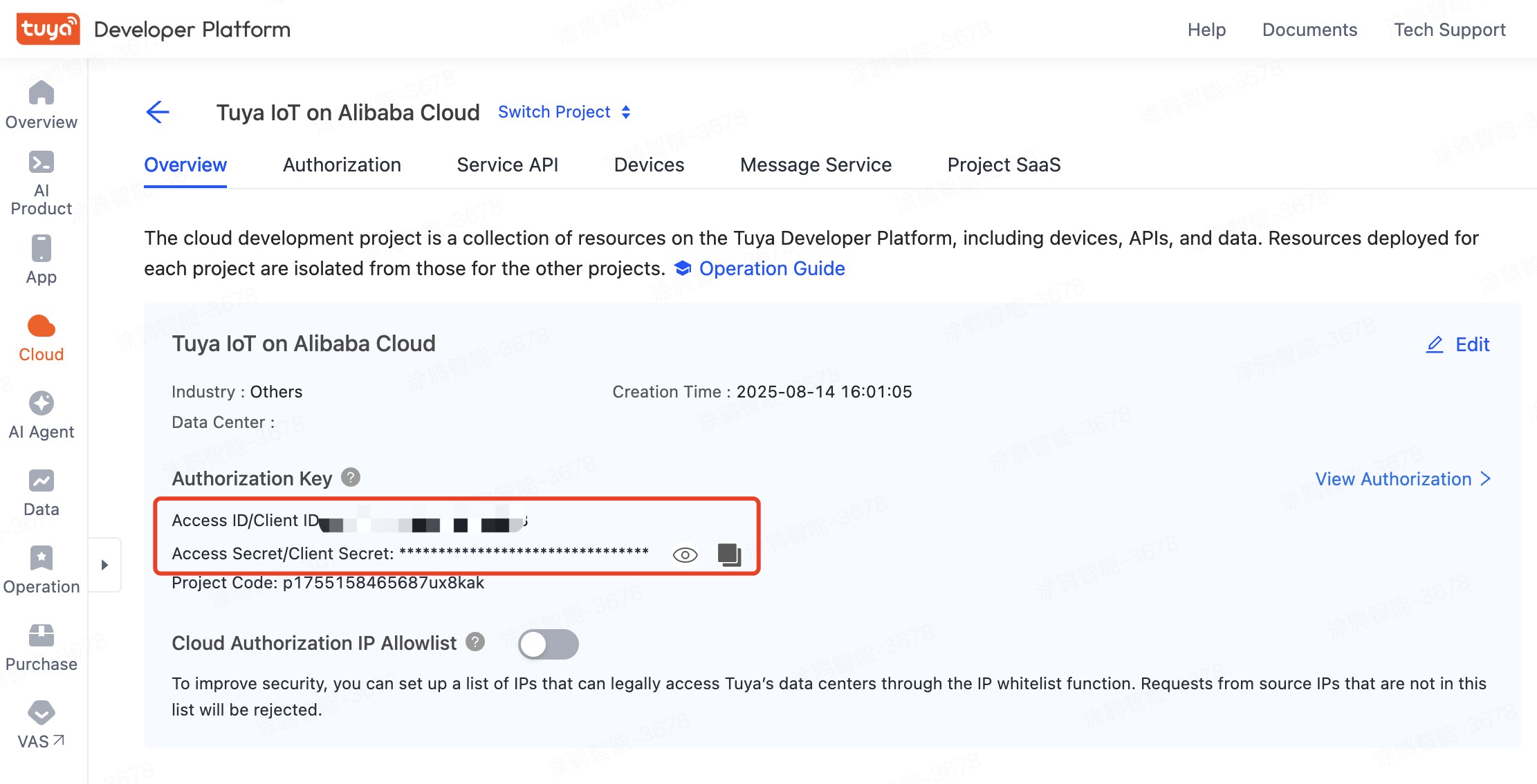
- Go back to the console, go to the Real-Time Monitoring - Phone and SMS Channel Configuration, fill in the authorization key, and click Channel Initialization.
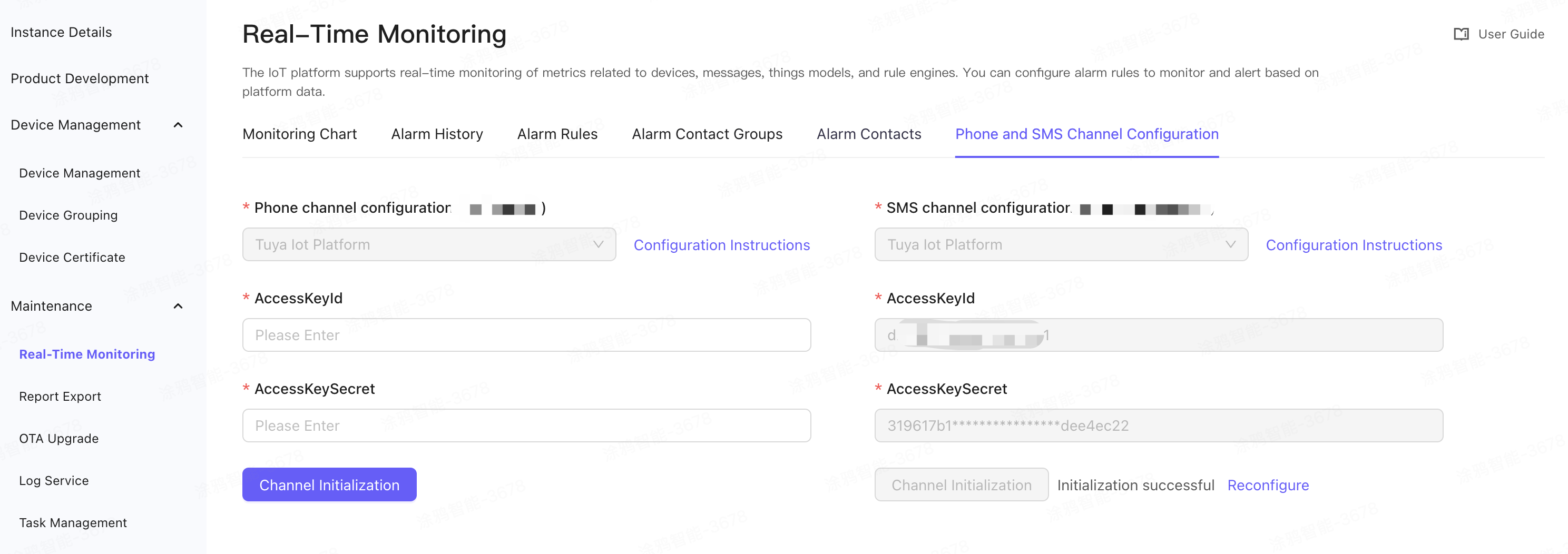
- Contact your SA for channel approval progress information
Marketing Cooperation
Business Cooperation
Customer Service
Media Inquiry





