

Gateway Development Guide
Overview
Gateways use communications protocols for network pairing and device connection. When creating a gateway, select the uplink communications protocol and downlink device connection mode separately. This document describes how to develop gateways on the Tuya Smart platform.
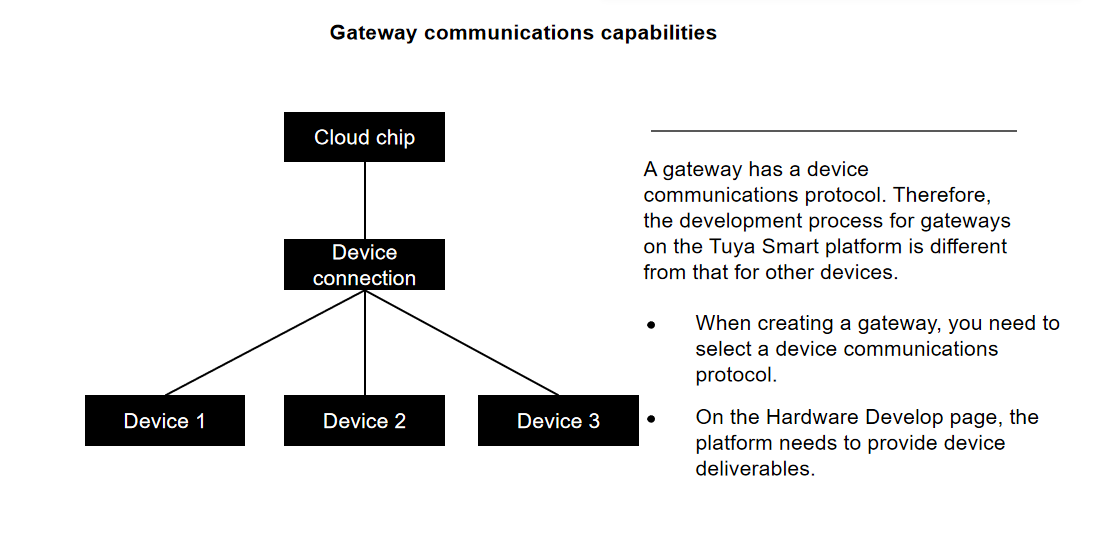
Development Process
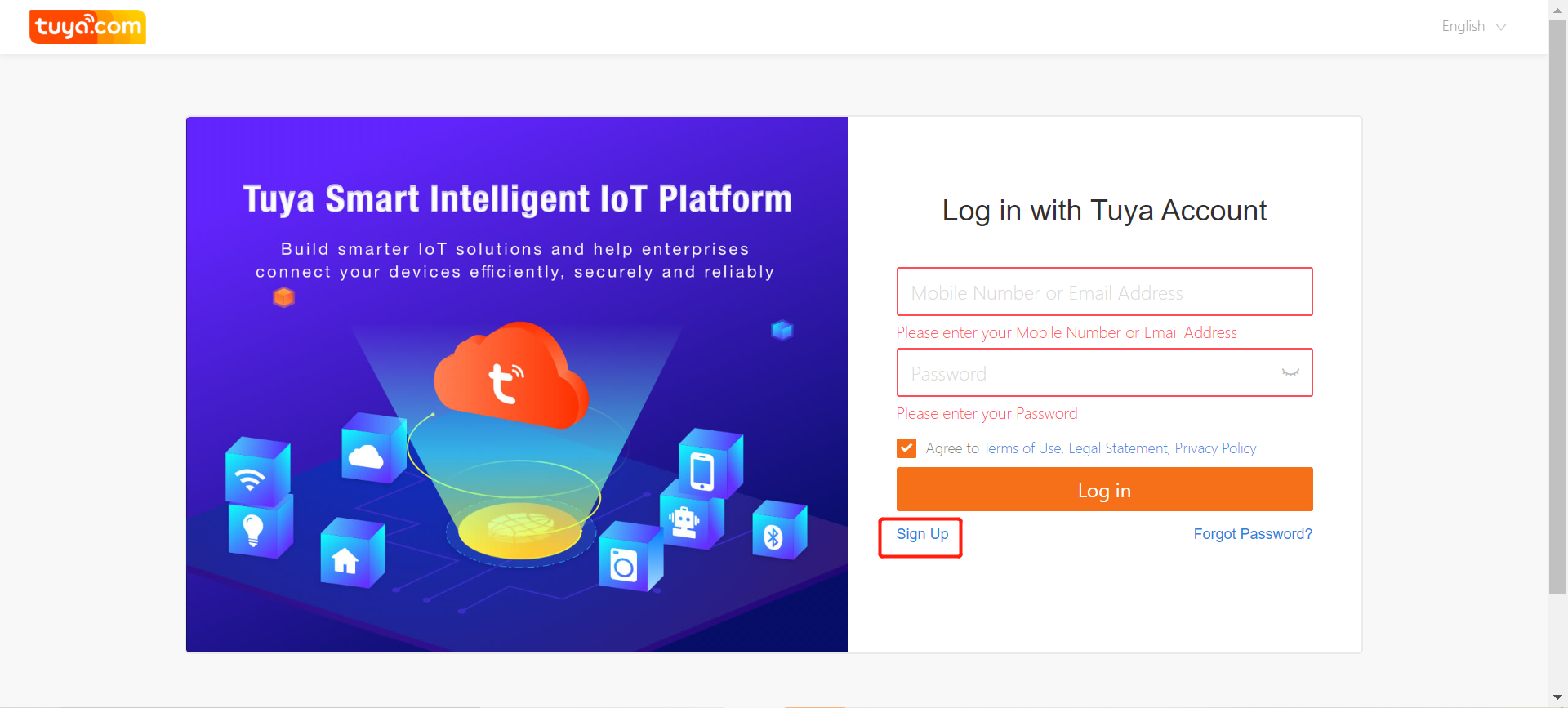
Log in to the Tuya Smart platform
Visit https://platform.tuya.com, register an account, and log in to the Tuya Smart platform. If you already have an account, log in with the account.
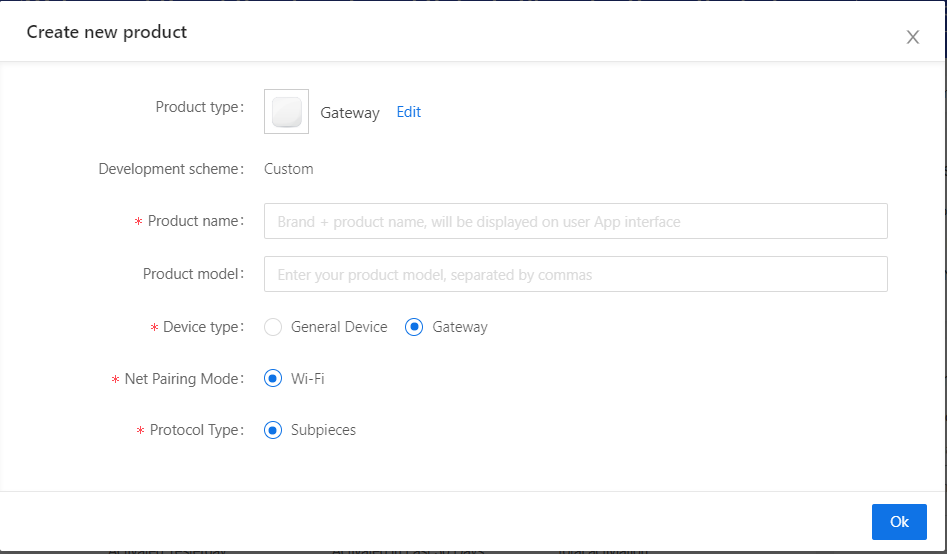
Select the uplink network pairing mode and downlink device communications protocol type
On the Home page, click Create. On the Create new product page, choose Gateway and others > Gateway in the left-side navigation panel and click the gateway icon on the right.
In the displayed window, specify product information, such as the product name.
Select the uplink network pairing mode and downlink device communications protocol type, and click Ok.
Select the cloud interworking and device interworking modes
On the App UI Design page, select an ideal app UI panel based on actual product requirements. Use the TuyaSmart app to scan the QR code to experience the virtual panel.
On the Hardware Develop page, select the cloud interworking and device interworking modes based on the uplink and downlink communications protocols selected on the Create new product page.
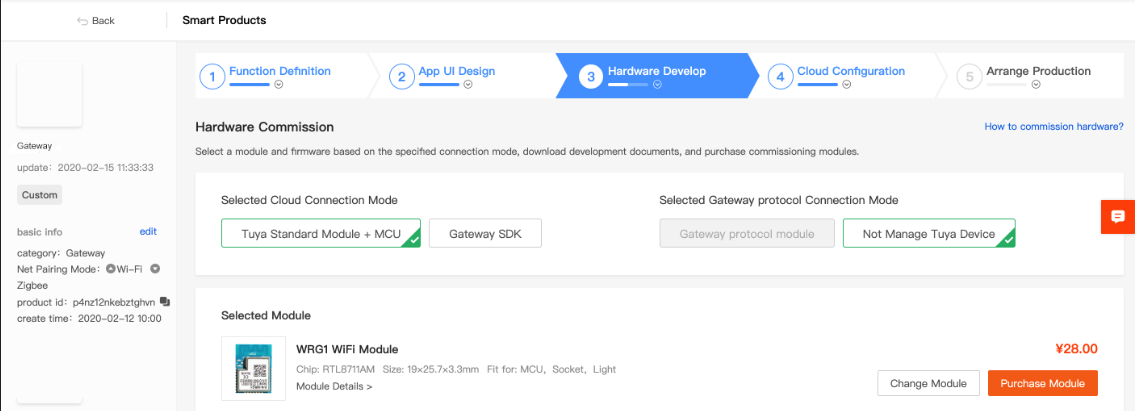
The following table lists cloud and device interworking modes that the Tuya Smart platform provides.
| Network Pairing Interworking Mode | Device Interworking Mode |
|---|---|
| Embedded SDK | Tuya standard module + MCU |
| Embedded SDK | Not manage Tuya devices |
| Tuya standard module + MCU | Not manage Tuya devices |
-
If you select Embedded SDK for cloud interworking and Not manage Tuya devices for device interworking, you only need to purchase a license online. If you select Embedded SDK for cloud interworking and Tuya standard module + MCU for device interworking, the platform will provide device deliverables, such as the module, firmware, and development documents.
-
If you select Tuya standard module + MCU for cloud interworking and Not manage Tuya devices for device interworking, you need to select the module and firmware and download the auxiliary development tool package.
Is this page helpful?
YesFeedbackIs this page helpful?
YesFeedback




