

Select Application
Overview
Leveraging years of accumulated, extensive hands-on experience and a massive product ecosystem, Tuya provides industry-standard application modules. Being ready to use out-of-the-box, these modules can be assembled on demand based on specific scenarios and requirements, thereby adapting to the needs of different industries. After creating your spatial intelligence solution, you can select and configure the application services within the solution.
This topic describes how to select application services, the first step of solution configuration. If your solution is quickly created from a template, the system will automatically configure multi-end applications based on the template you selected, and you can also adjust the applications here according to actual needs.
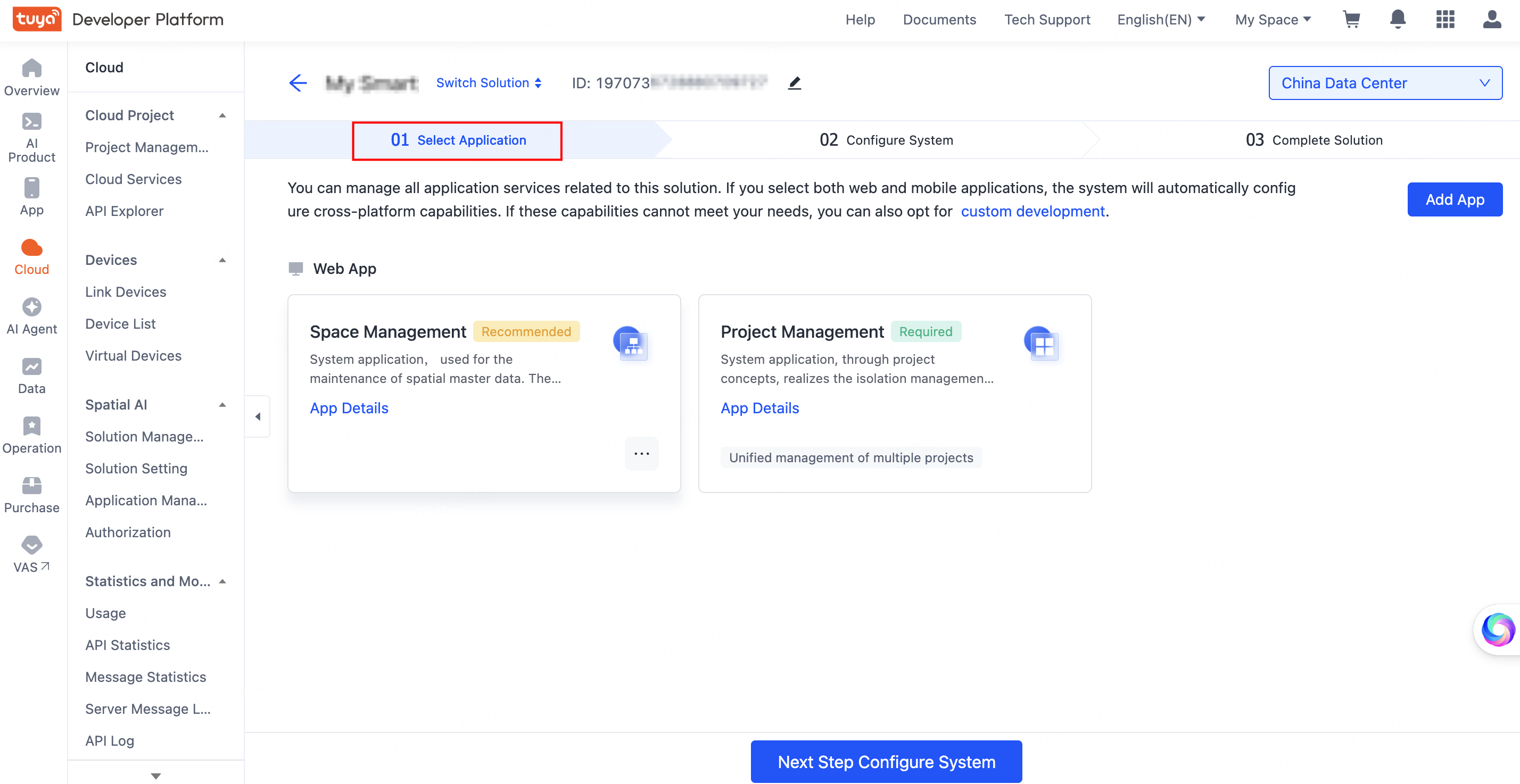
Select application
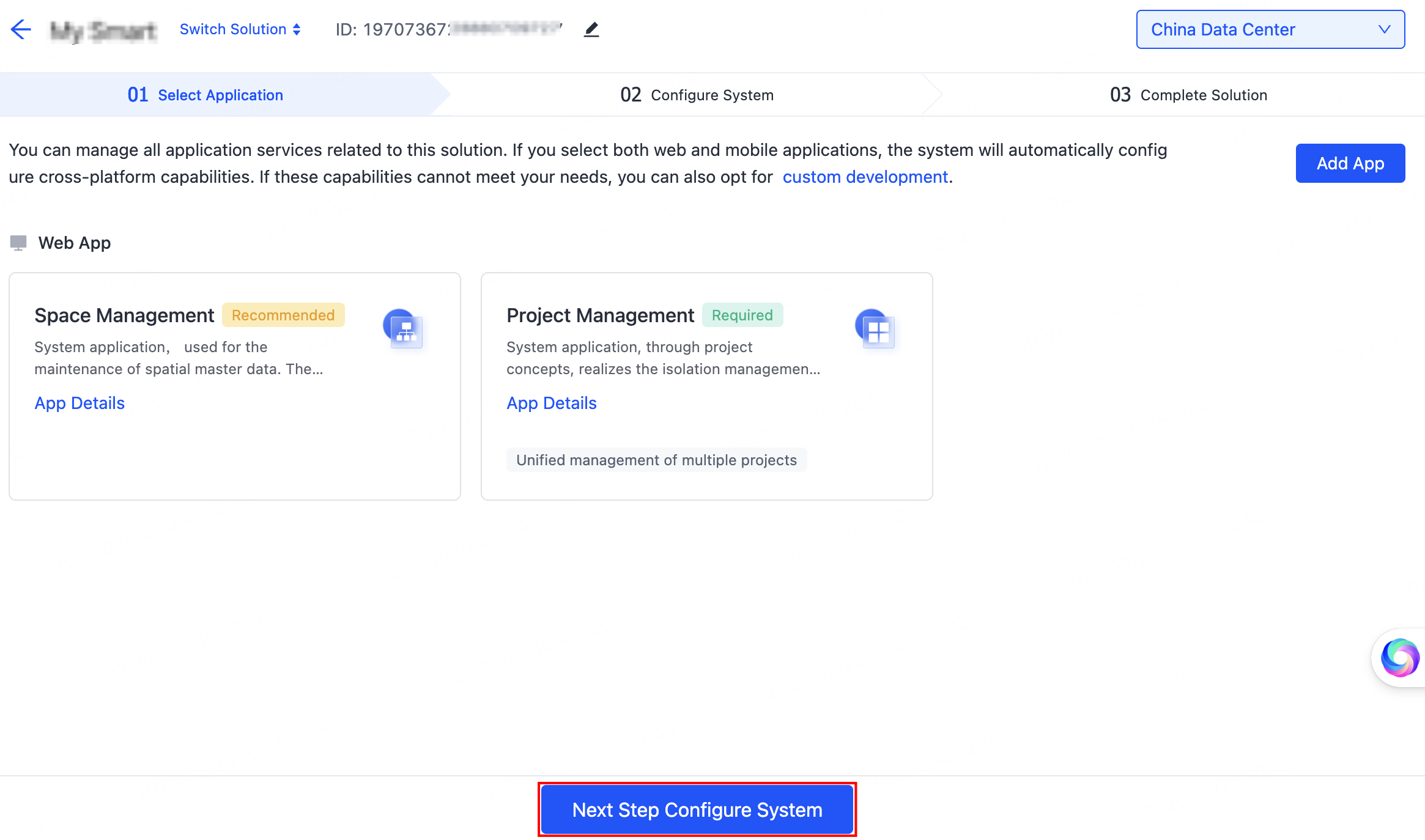
After creating a solution, you will be automatically directed to the Select Applications page. This page shows all available microapps under the service suite, allowing you to manage the application services all in one place.
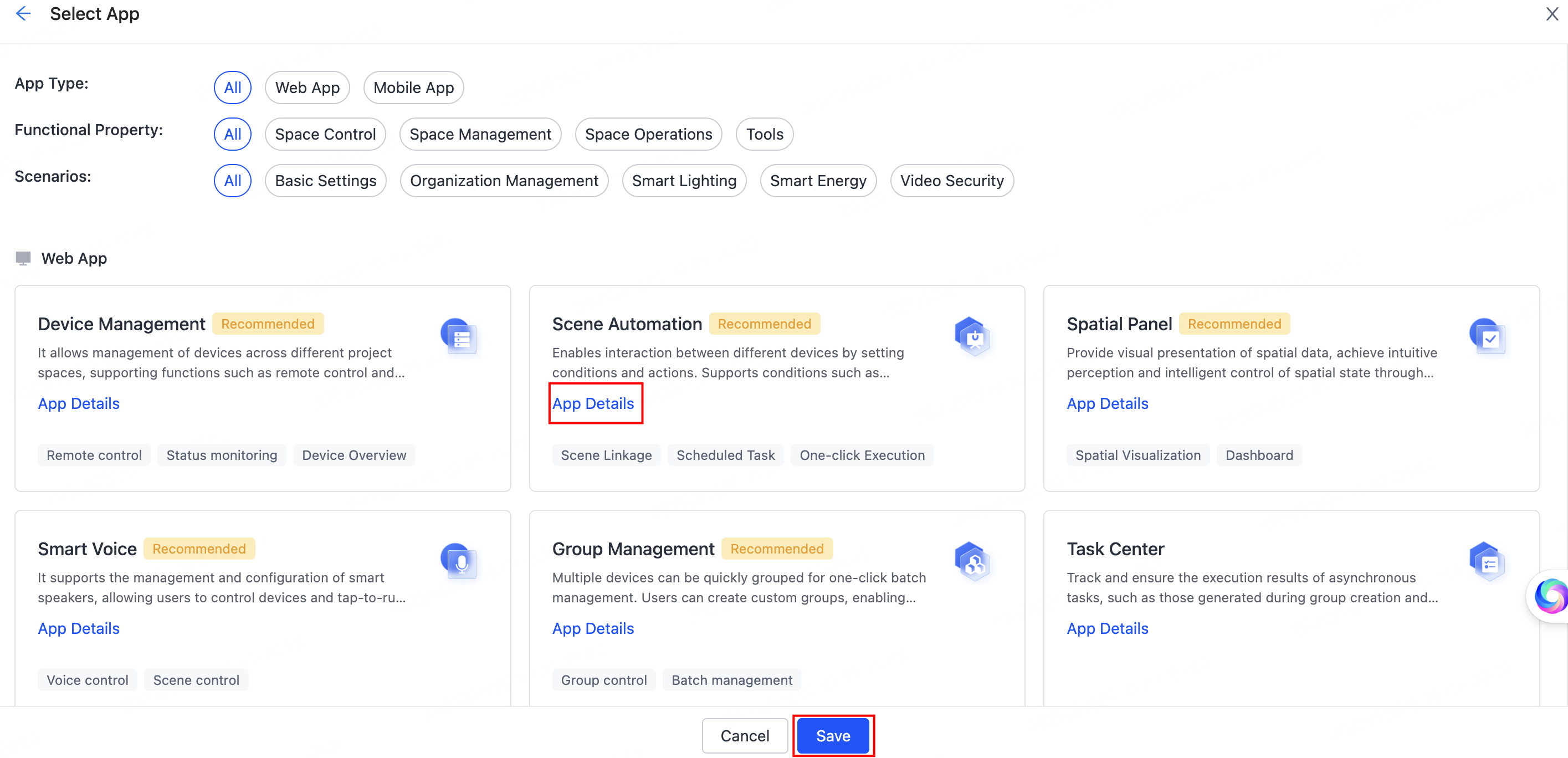
Before making a selection, you can click App Details to know more about a specific application service.
You can filter the required microapps based on app types, functional properties, or scenarios. You can also freely combine and select both web and mobile apps. Select apps according to your project’s implementation scenario and actual requirements. On completion, click Save.
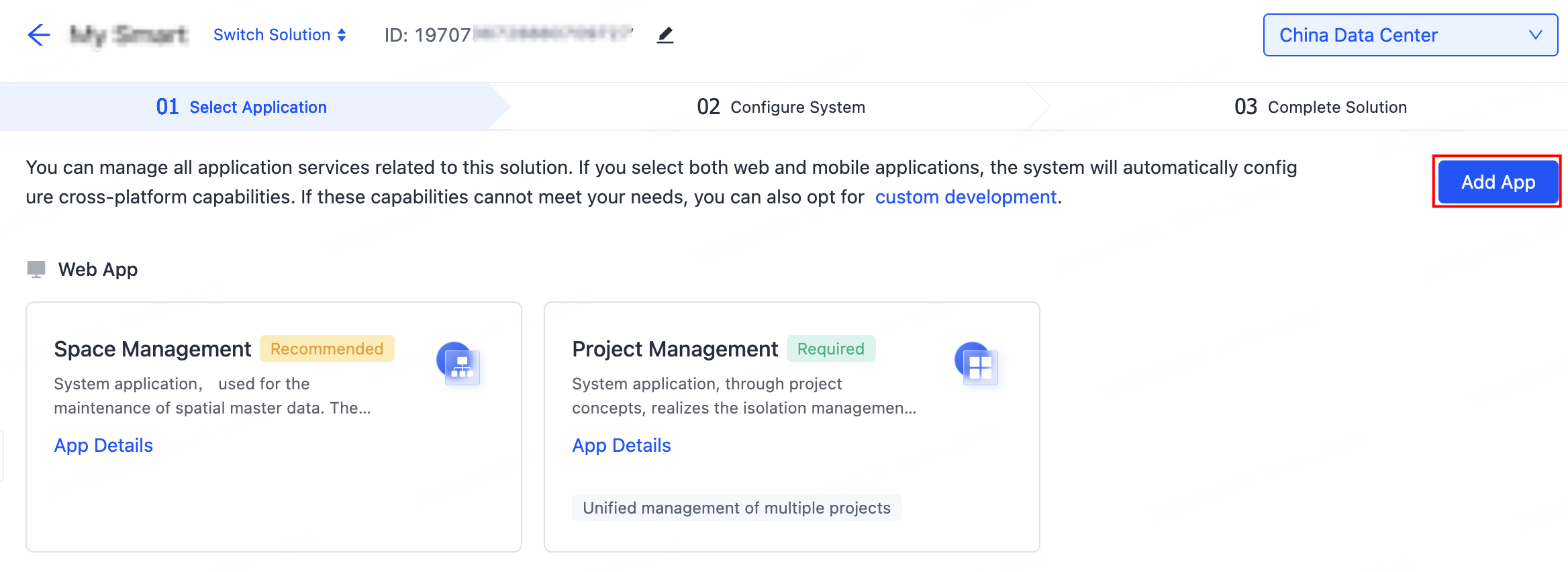
To add more apps, click Add App in the upper right corner of the page and select as needed.
- If you select both web and mobile apps, the system will automatically configure cross-platform capabilities.
- If the existing capabilities cannot meet your needs, you can also opt for custom development.
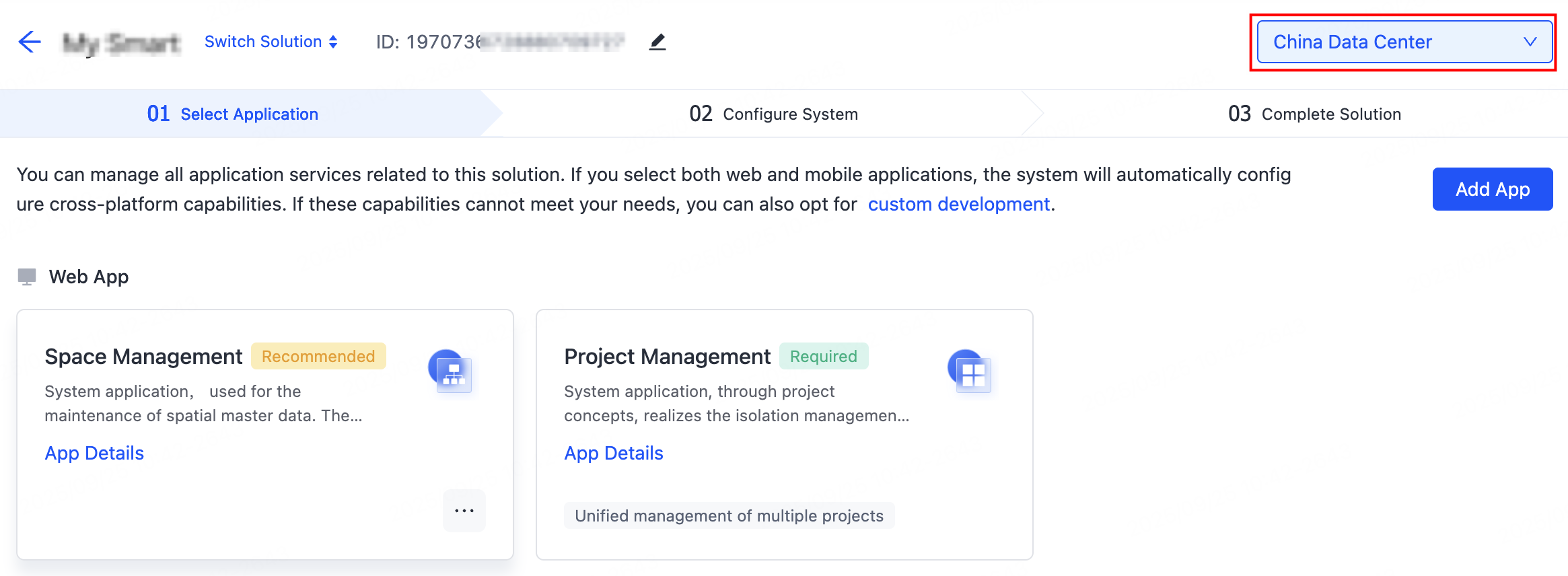
Switch between data centers
A single solution can be deployed in multiple data centers. You can select the desired data centers to configure data based on the country or region. Switch between data centers to configure the capabilities of each data center separately.
Next step
After selecting the apps, click Next Step Configure System at the bottom of the page to proceed with the initial system configuration. For detailed steps, refer to Configure System.
Is this page helpful?
YesFeedbackIs this page helpful?
YesFeedback




