

Configure System
Overview
This topic describes how to perform the initial configuration of the system, the second step of solution configuration. You can selectively configure application-related information, such as menus, accounts, and multilingual support, based on your needs.
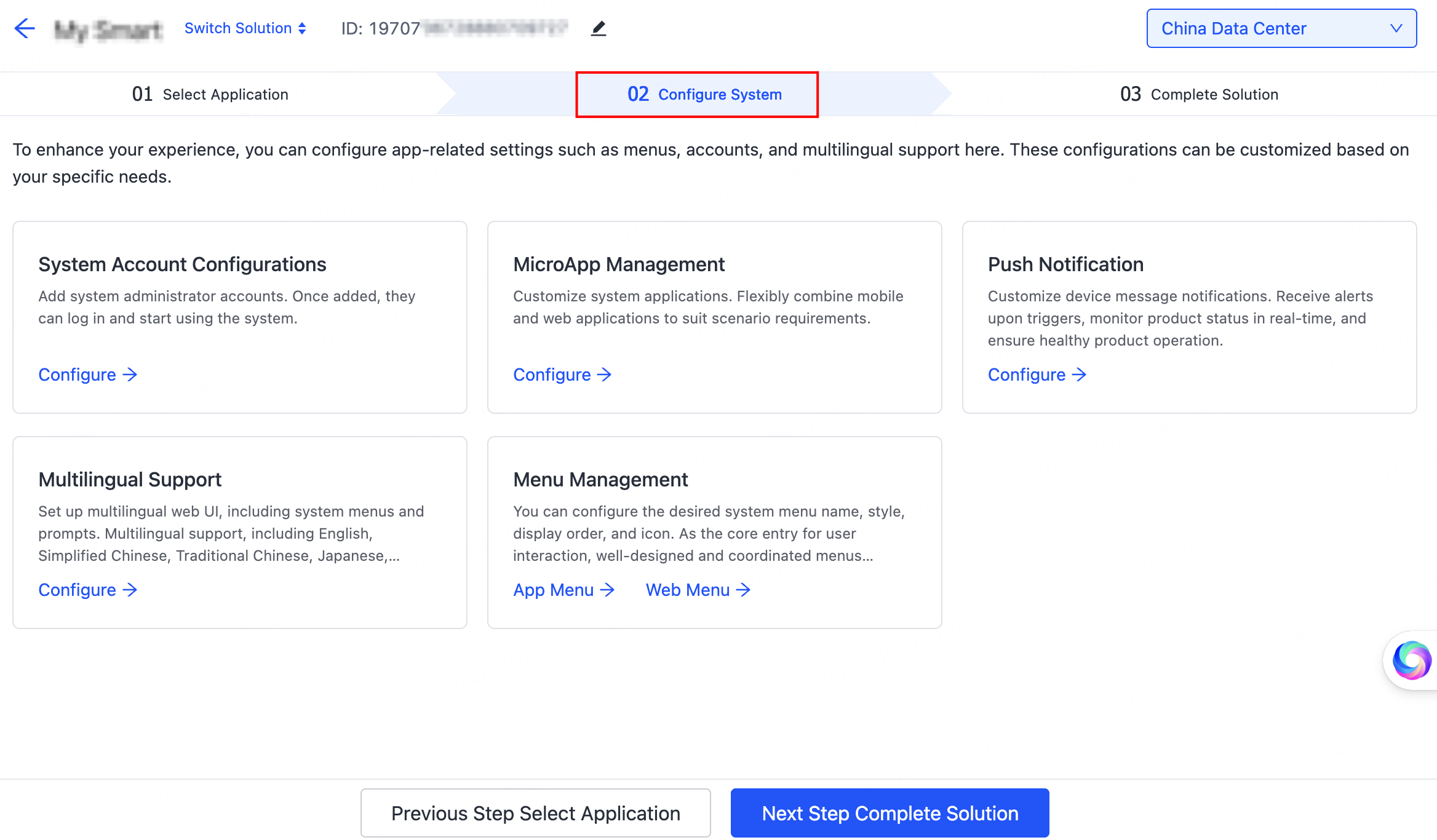
System account configurations
Add system administrator accounts. Once added, they can log in and start using the system. This is a mandatory step. You can use mobile numbers or email addresses as account credentials. After the system is built, the specified accounts will have access to it.
Microapp management
Customize system applications. Flexibly combine mobile and web applications to suit scenario requirements.
Push notification
Customize device message notifications. Receive alerts upon triggers, monitor product status in real-time, and ensure healthy product operation.
Multilingual support
Set up multilingual web UI, including system menus and prompts. Multilingual support, including English, Simplified Chinese, Traditional Chinese, Japanese, French, Italian, Spanish, and Arabic, helps you reach a global audience.
Menu management
You can configure the desired system menu name, style, display order, and icon. As the core entry for user interaction, well-designed and coordinated menus optimize operational fluency, delivering a more intuitive and comfortable user experience.
Next step
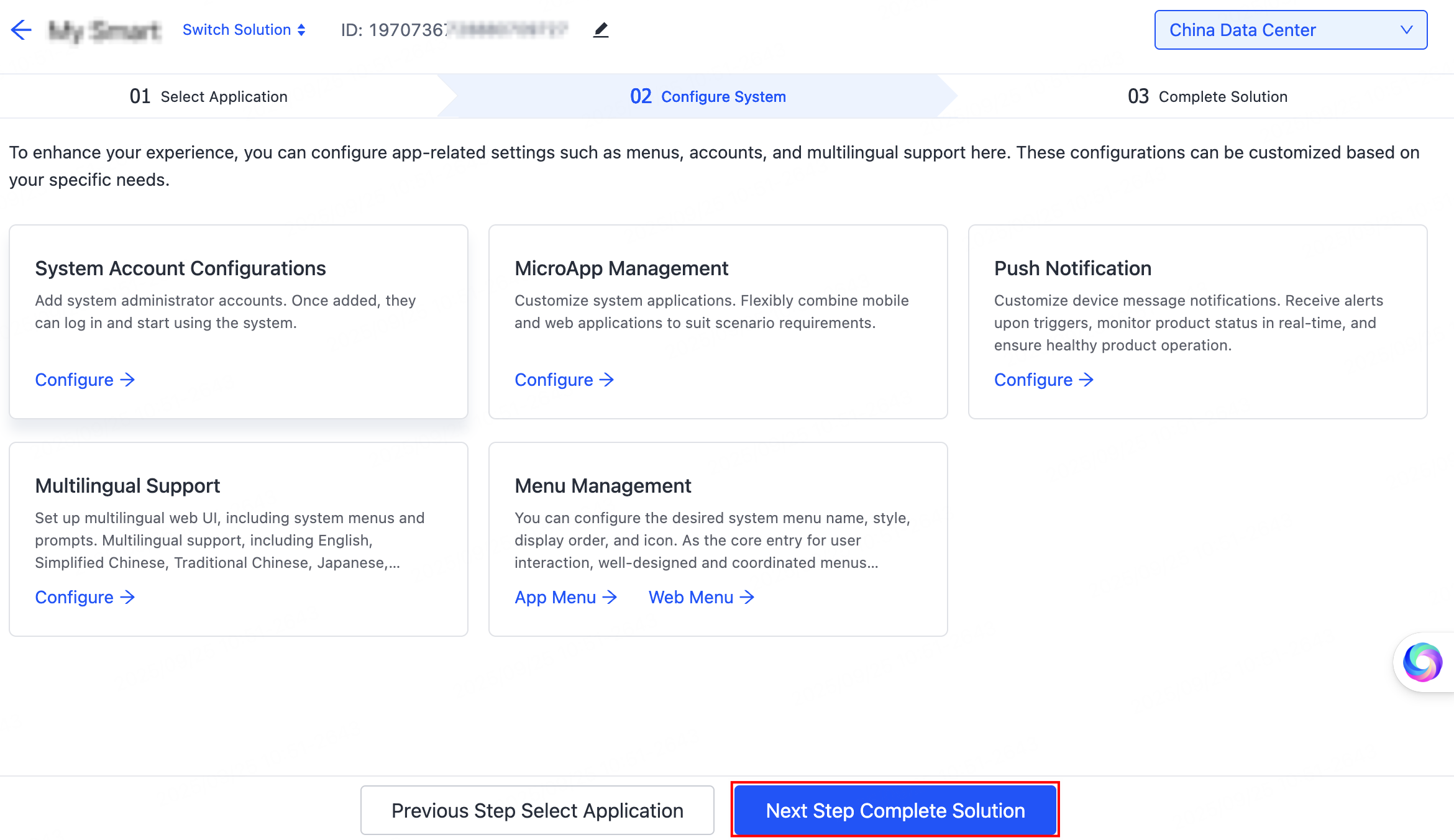
After completing the initial configuration, click Next Step Complete Solution. The system will automatically configure itself based on the provided initialization information. Upon completion, it will proceed to the next page. For detailed steps, refer to Complete Solution.
Is this page helpful?
YesFeedbackIs this page helpful?
YesFeedback




