

Complete Solution
Overview
This topic describes how to complete the solution, the third step of solution configuration.
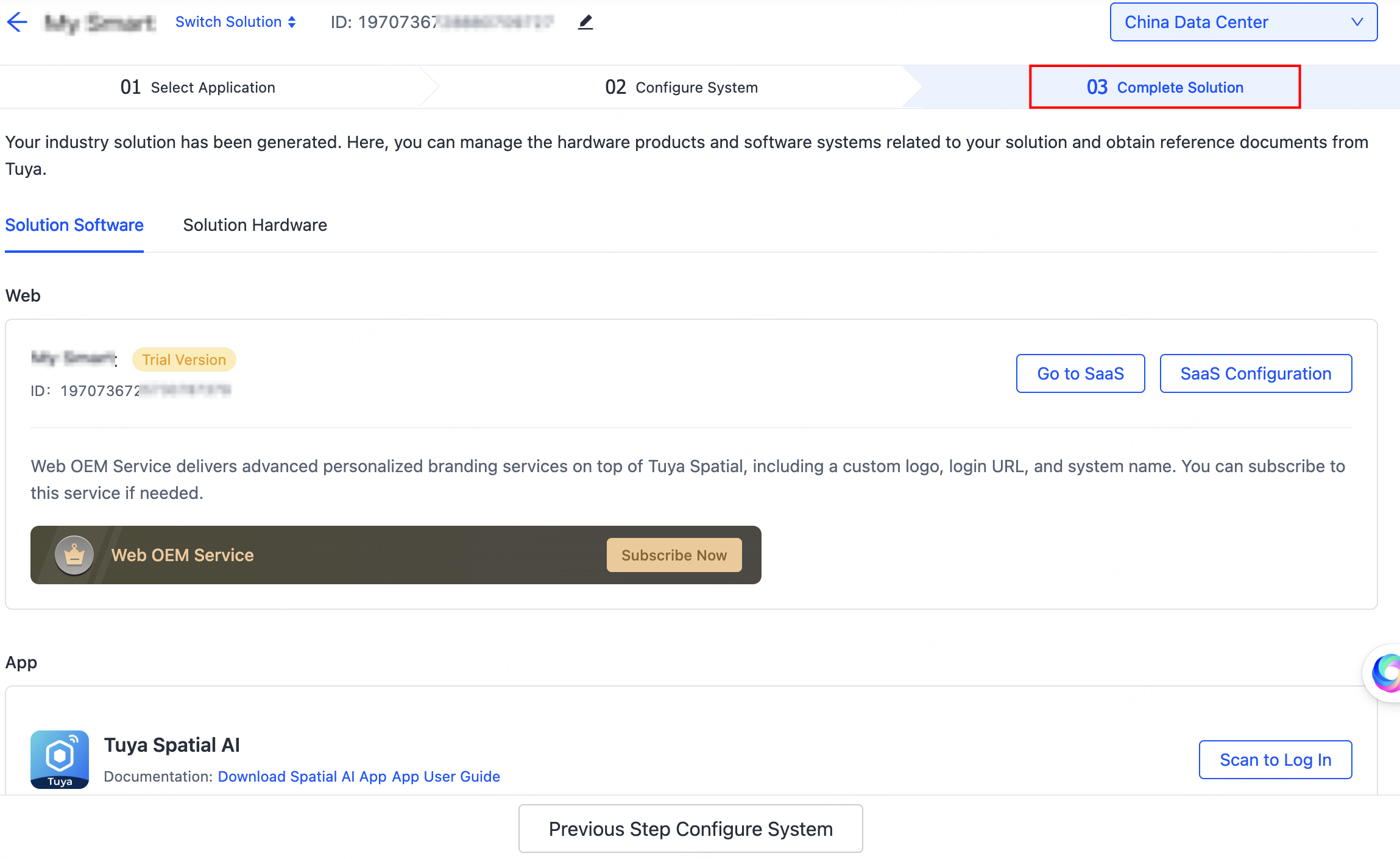
After you select applications and configure your system, the solution details will be generated, including the solution software and solution hardware. Here, you can manage the solution-related hardware products and software systems and obtain reference materials from Tuya.
Solution software
The Solution Software section displays the successfully built web and mobile applications. The following operations are available:
-
SaaS Configuration/App Configuration: Perform further configuration for the web and mobile applications.
-
Go to SaaS: Navigate to and access the web system.
-
Scan to Log In: View and scan the QR code to download the app and try it out.
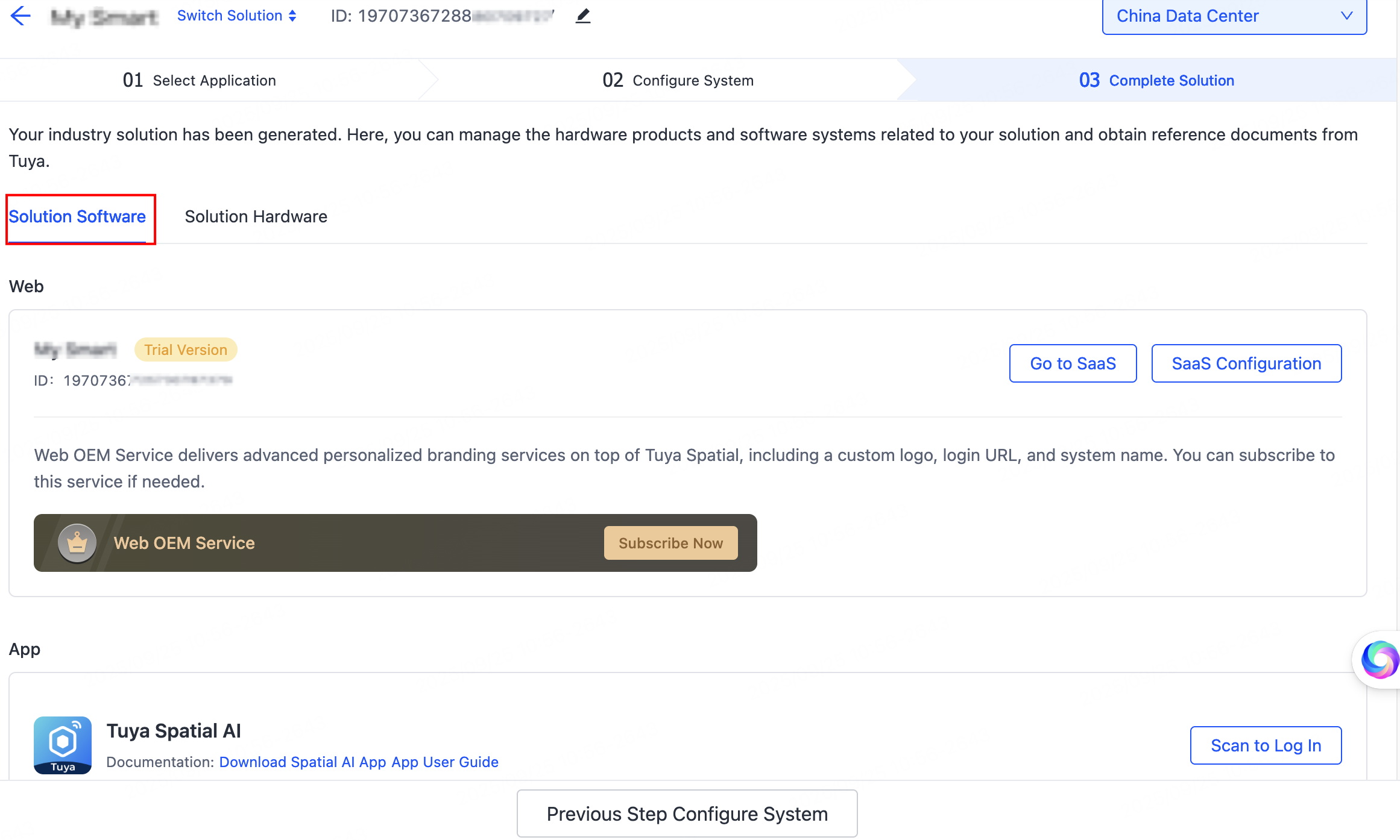
Besides, OEM service delivers advanced personalized branding services, including a custom logo, login URL, system name, and app. You can subscribe to this service if needed. After subscription, you can carry out OEM configurations.
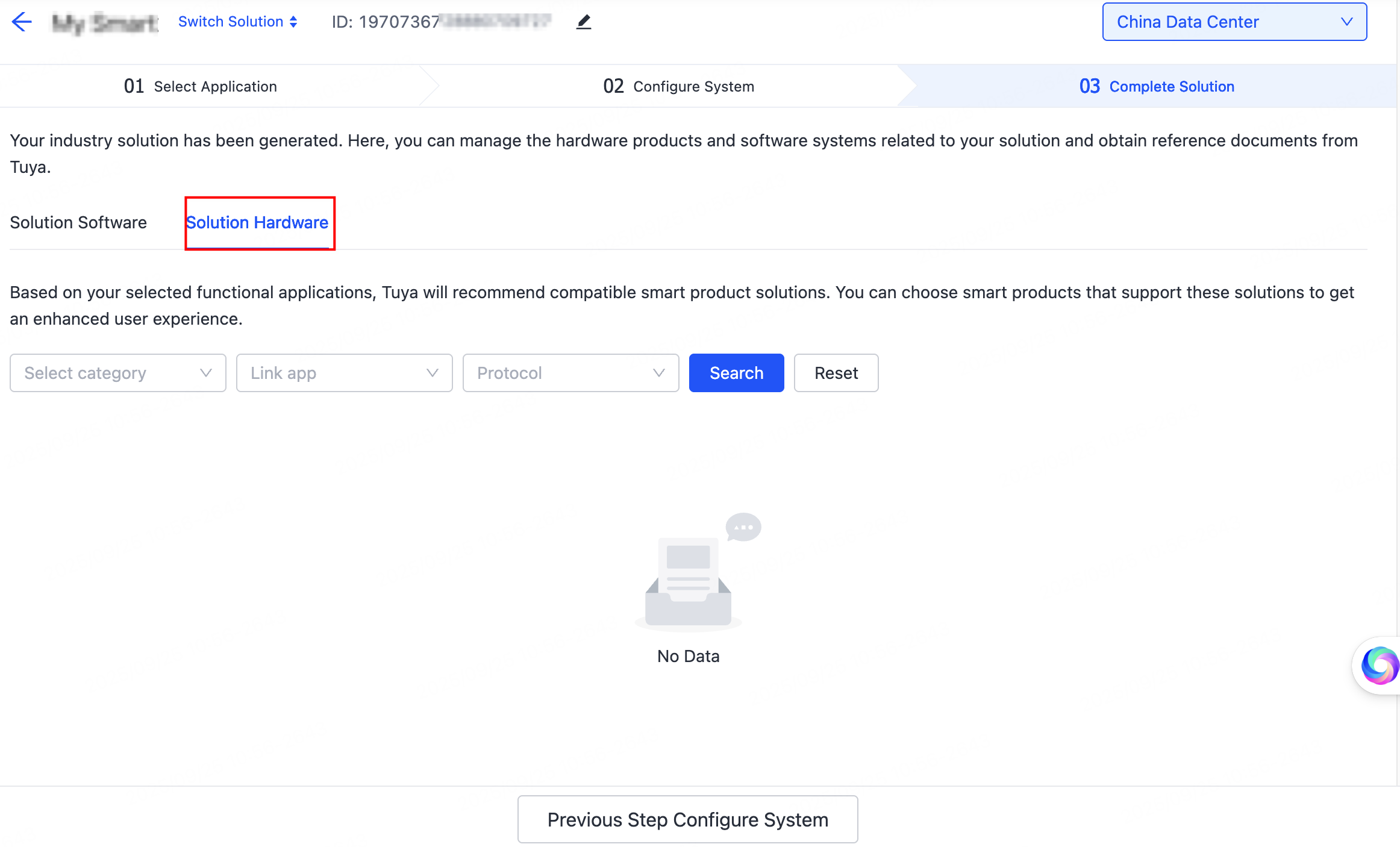
Solution hardware
Based on your selected functional applications, the system will recommend compatible smart product solutions. You can choose smart products that support these solutions to get an enhanced user experience.
Is this page helpful?
YesFeedbackIs this page helpful?
YesFeedback




