

System Accounts
Last Updated on : 2026-03-17 06:56:48Copy for LLMView as MarkdownDownload PDF
This topic describes how to view or set the system administrator account login information for the solutions you created on the Tuya Developer Platform.
Prerequisites
You have created at least one solution. For more information, see Create Solution.
Procedure
-
Log in to the Tuya Developer Platform.
-
In the left-side navigation bar, choose Cloud > Spatial AI > Solution Setting.
-
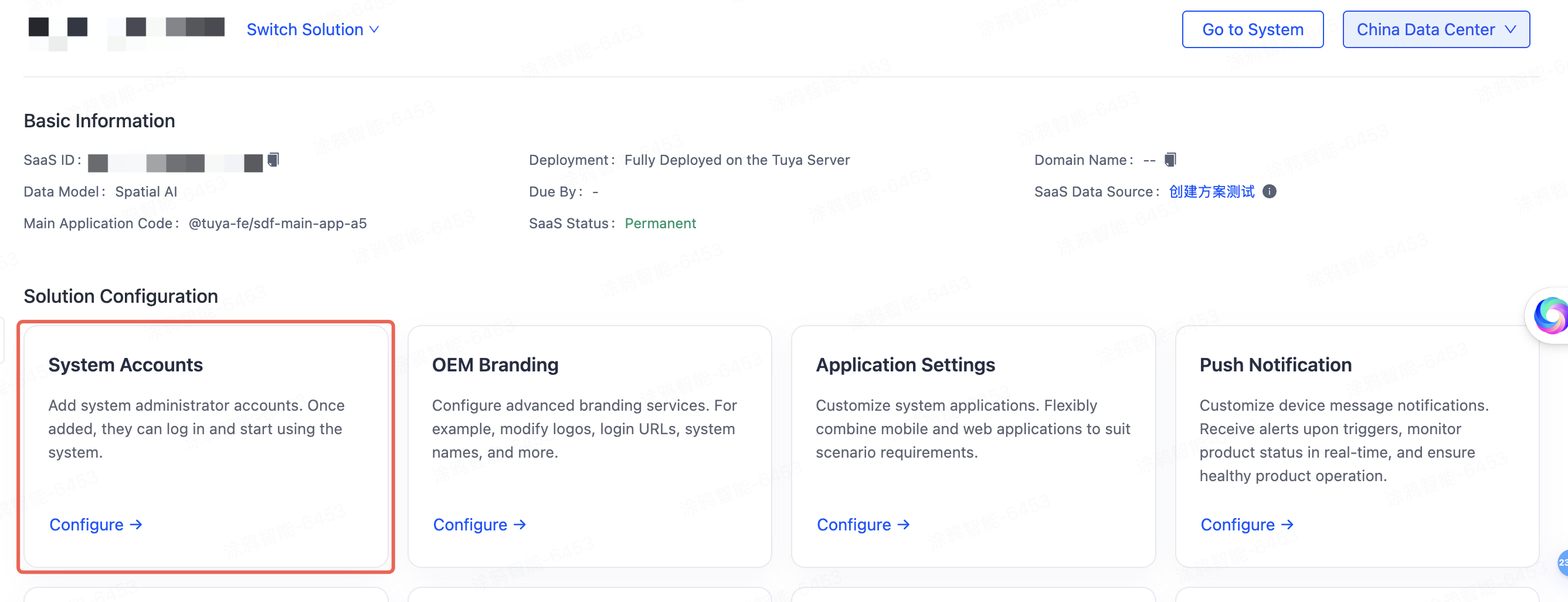
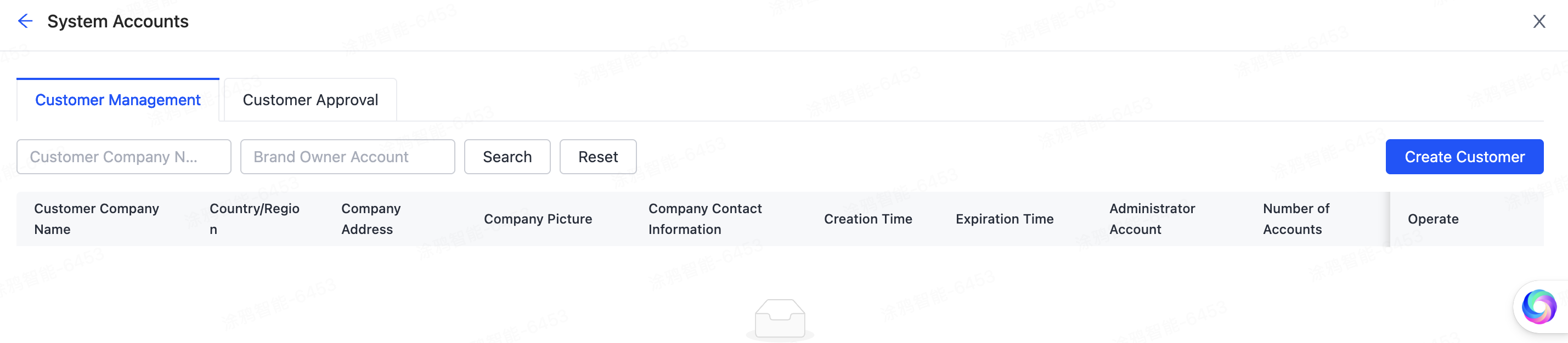
Select a running solution, click System Accounts to enter the configuration page, and you can view or set the system administrator accounts. Once added, they can log in and start using the system.
Is this page helpful?
YesFeedbackIs this page helpful?
YesFeedbackMarketing Cooperation
Business Cooperation
Customer Service
Media Inquiry





